
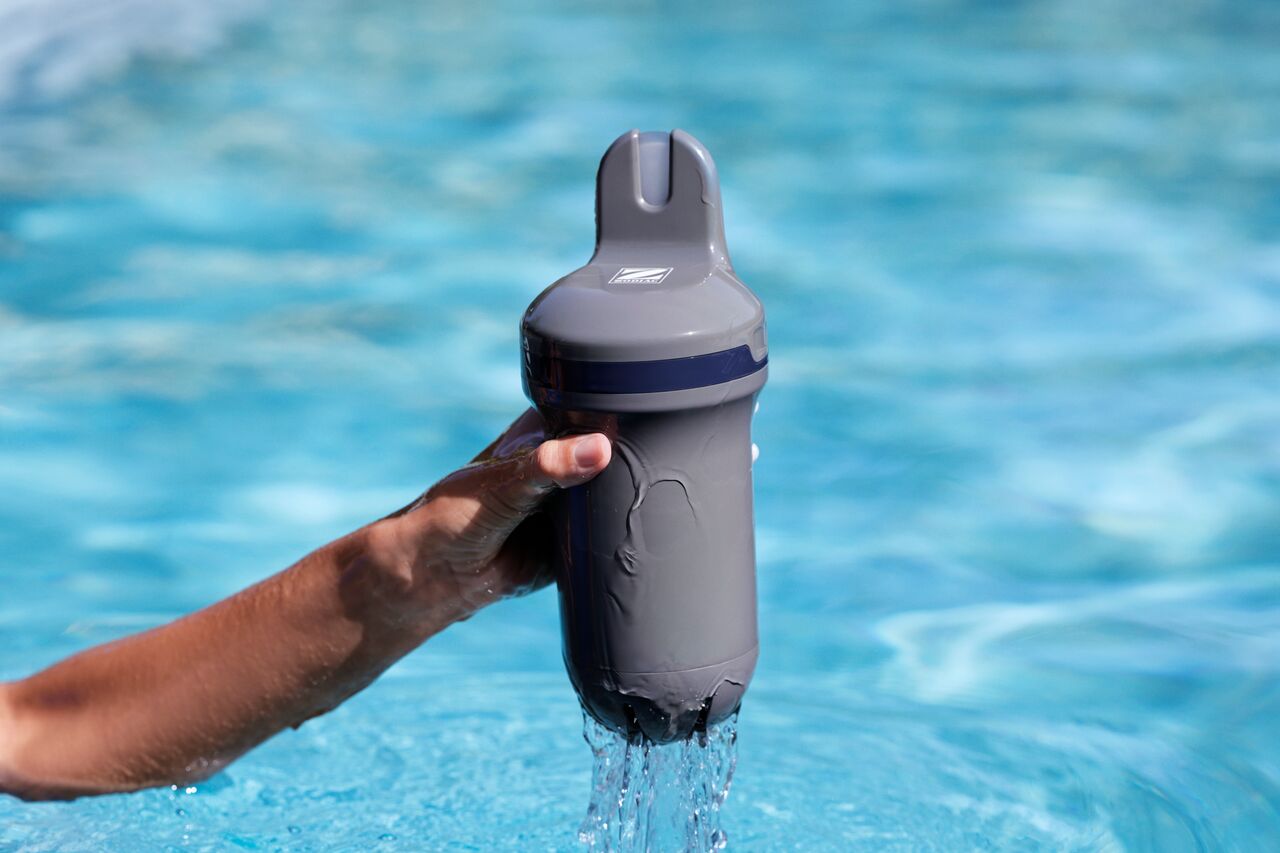
How do I pair Blue Connect with the Fluidra Pool app?
- Step-by-Step Pairing Instructions:
- Download the App: Install the Fluidra Pool app on your smartphone from the Apple App Store or Google Play.
- Create an account: Open the app and create an account by following the setup instructions.
- Add Blue Connect: Select the option to "Add Equipment" in the app and choose Blue Connect from the list.
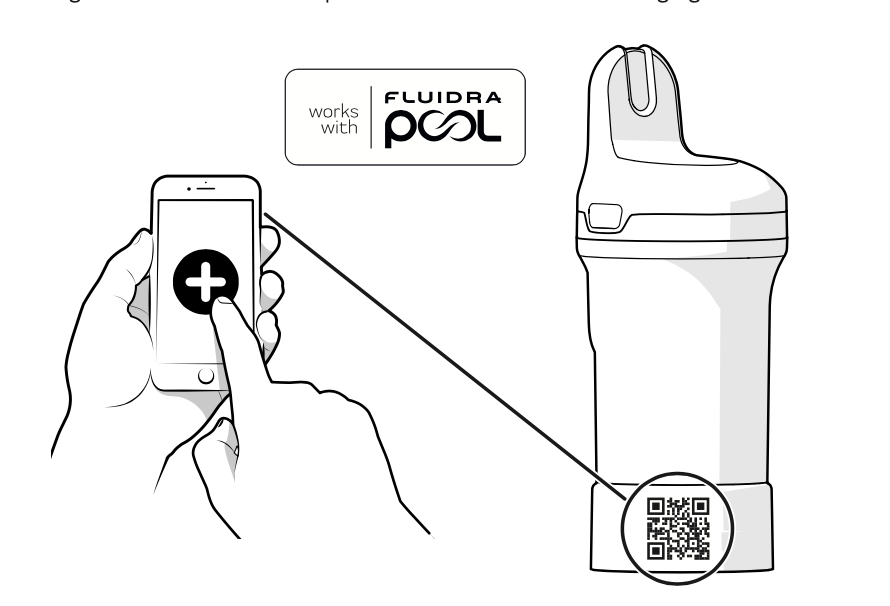
- Scan the QR code: Locate the QR code under the top cover or on the storage foot. Use your phone’s camera to scan it and pair the device.
- Complete pairing: Once paired, the app will check for any available firmware updates. Follow the on-screen prompts to complete the pairing process.
Note: Ensure that Bluetooth is enabled on your smartphone during the pairing process, and make sure you're close to the device for the connection to work smoothly.
For more information on how to charge it before first use , press here.
For more information on how to install the Blue Connect in the pool, press here.