
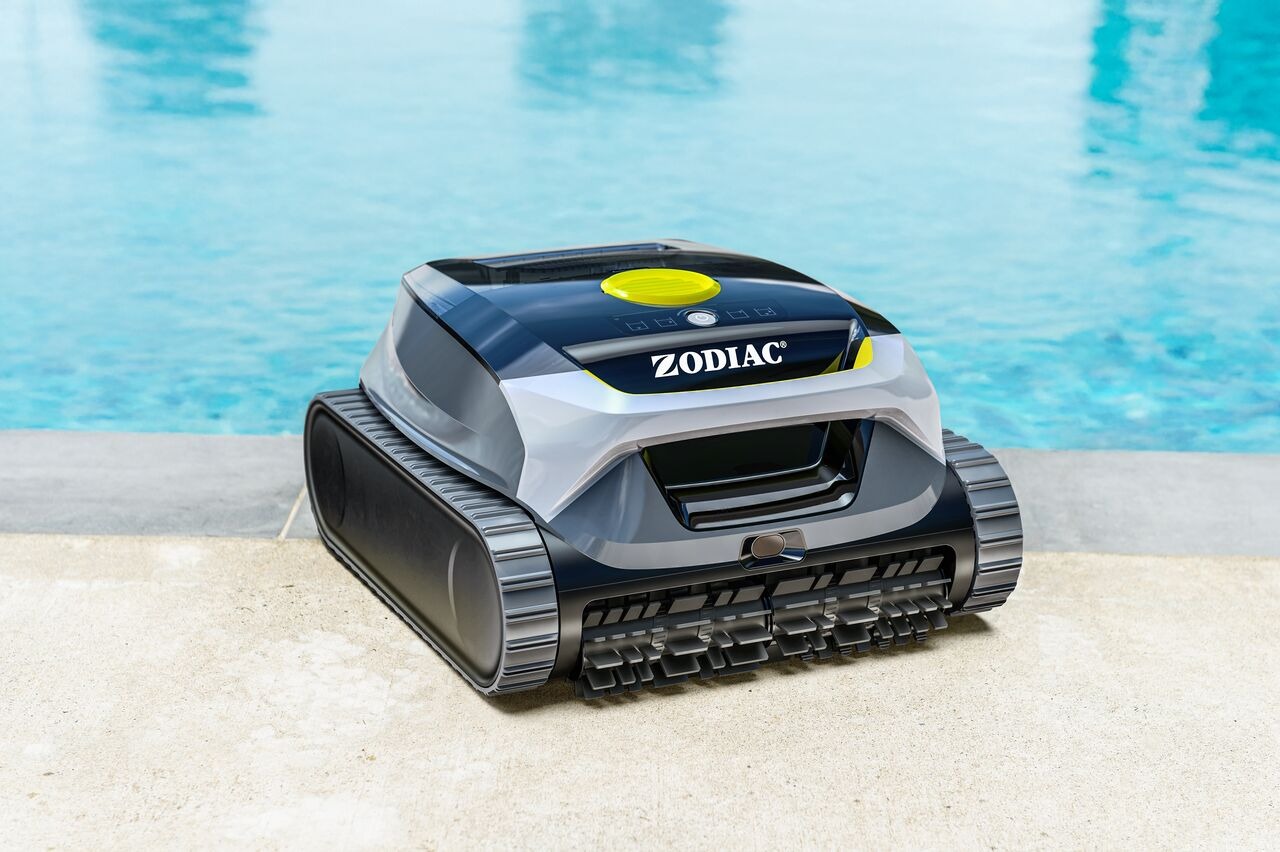
Freedom Lite offers several cleaning modes that you can select from the robot or directly in the Fluidra Pool App.
Some modes are available on the robot interface (HMI), and additional options are available in the app.
🟢 Available Cleaning Modes
1️⃣ Floor Only
Cleans the pool floor only
Recommended for quick cleaning or debris on the bottom
More energy-efficient
Best for: regular maintenance or when walls are already clean.
2️⃣ Walls Only
Cleans pool walls only
Starts climbing shortly after entering the water
Best for: visible dirt or algae on pool walls.
3️⃣ Floor + Walls
Cleans walls first
Then switches to floor cleaning
Cleaning time is automatically adjusted based on battery level
Best for: complete pool cleaning.
4️⃣ Waterline Mode
Focuses on cleaning the waterline
The robot moves horizontally along the waterline
Best for: grease, sunscreen marks, and buildup at the water surface.
📲 Multi-Day Mode (App Only)
Multi-Day mode is available only in the Fluidra Pool App.
This feature allows you to:
Schedule up to 4 cleaning sessions per week
Each session runs a 45-minute floor cleaning
Customize cleaning days for one week at a time
After each cleaning session:
The robot waits at the waterline for 1 minute
It uploads cleaning information to the app
Note: You must reselect Multi-Day mode after one week if you want to continue using it.
🔋 How Battery Level Affects Cleaning
In Floor + Walls mode:
The robot typically uses the first part of the battery to clean walls.
It then switches to floor cleaning.
When battery reaches about 15%, it moves to the waterline and waits for retrieval.
If the battery drops to 15%:
The robot waits at the waterline for 10 minutes.
If not removed, it returns to the floor and turns off.
💡 How to Select a Cleaning Mode
From the robot:
Use the onboard control button (HMI) to cycle through modes.
From the app:
Open the Fluidra Pool App.
Select your robot.
Choose the desired cleaning mode.
Start the cycle.
❓ Not sure which mode to choose?
Use Floor Only for regular maintenance.
Use Walls Only if you see buildup on vertical surfaces.
Use Floor + Walls for a complete clean.
Use Waterline for surface marks.
Use Multi-Day for automated weekly maintenance.