
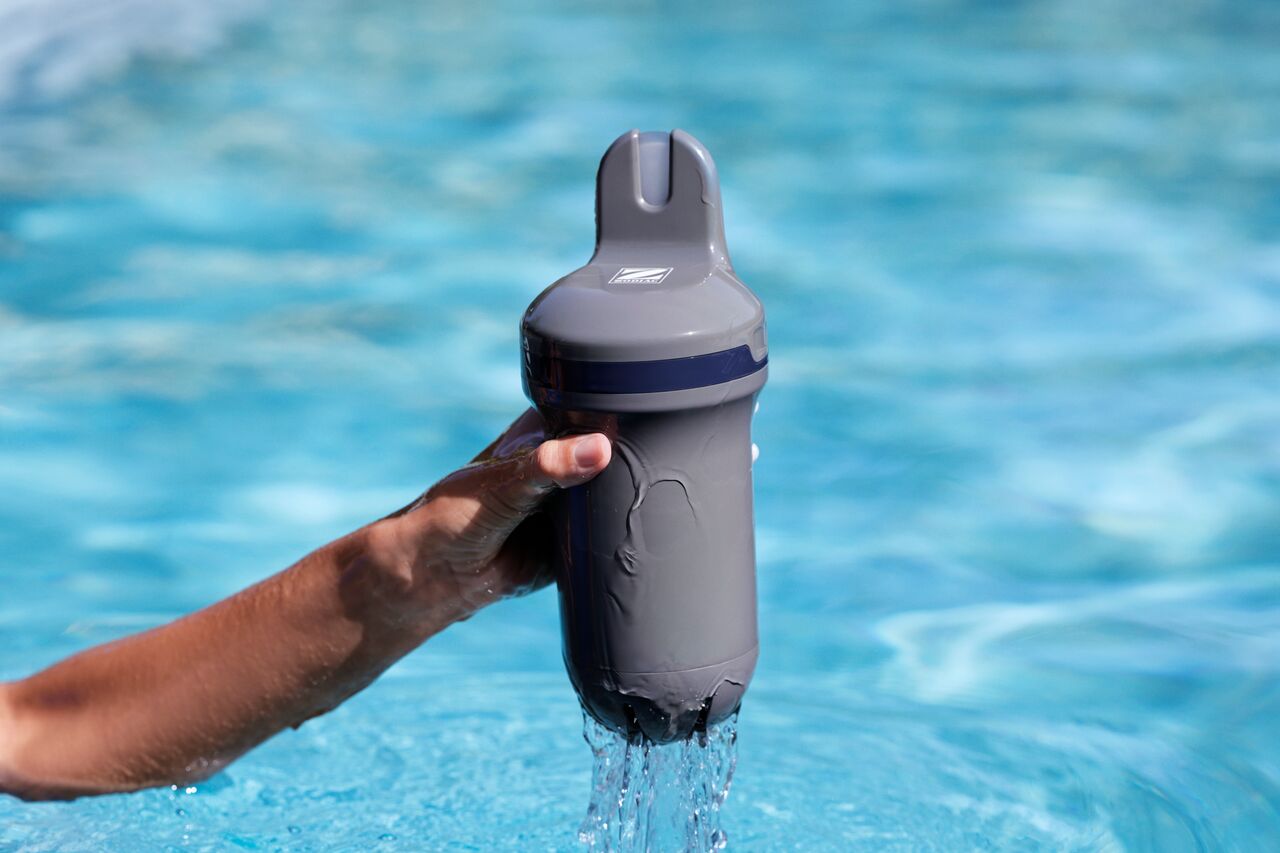
What steps do I need to follow to install Blue Connect in my pool?
- Step-by-Step Installation Guide:
- Remove the storage foot: After charging, remove the storage foot by unscrewing it.
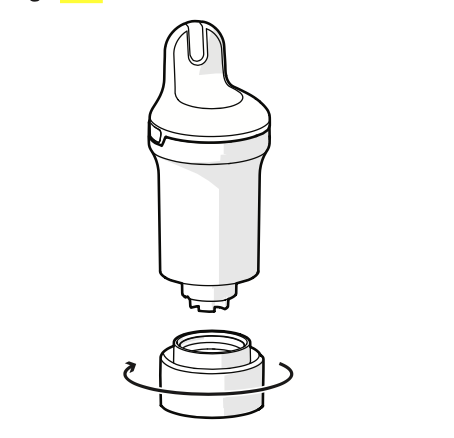
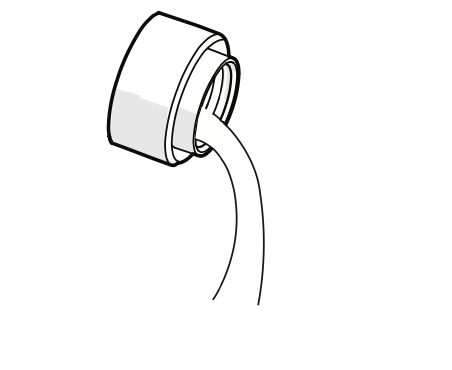
- Rinse the probe: Rinse the probe with clean water to remove any KCl solution residue.
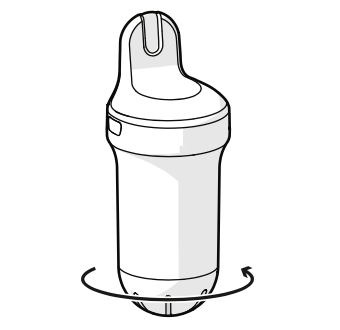
- Attach the sensor cap: Screw the sensor cap onto Blue Connect to protect the probes.
- Place in the pool: Gently place Blue Connect in the pool, ensuring it is floating vertically with the top exposed above the waterline. This is critical for maintaining proper Bluetooth or Wi-Fi communication.
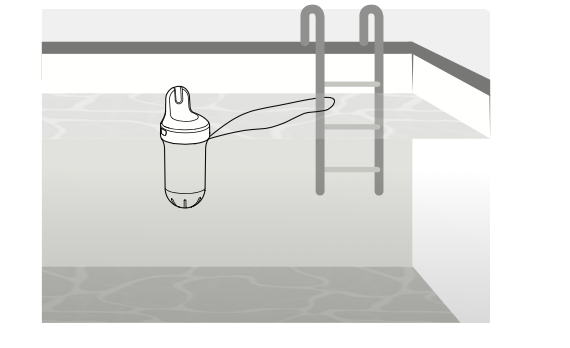
- Secure if necessary: You can secure Blue Connect using the provided cord if you wish to fix it in place. However, avoid using the cord if your pool has a cover, as the cover may cause the device to be submerged, leading to connectivity loss.
- Remove the storage foot: After charging, remove the storage foot by unscrewing it.
Important Tip: Always ensure that the top part of the device is above water to allow proper communication with your smartphone via Bluetooth or Wi-Fi.