
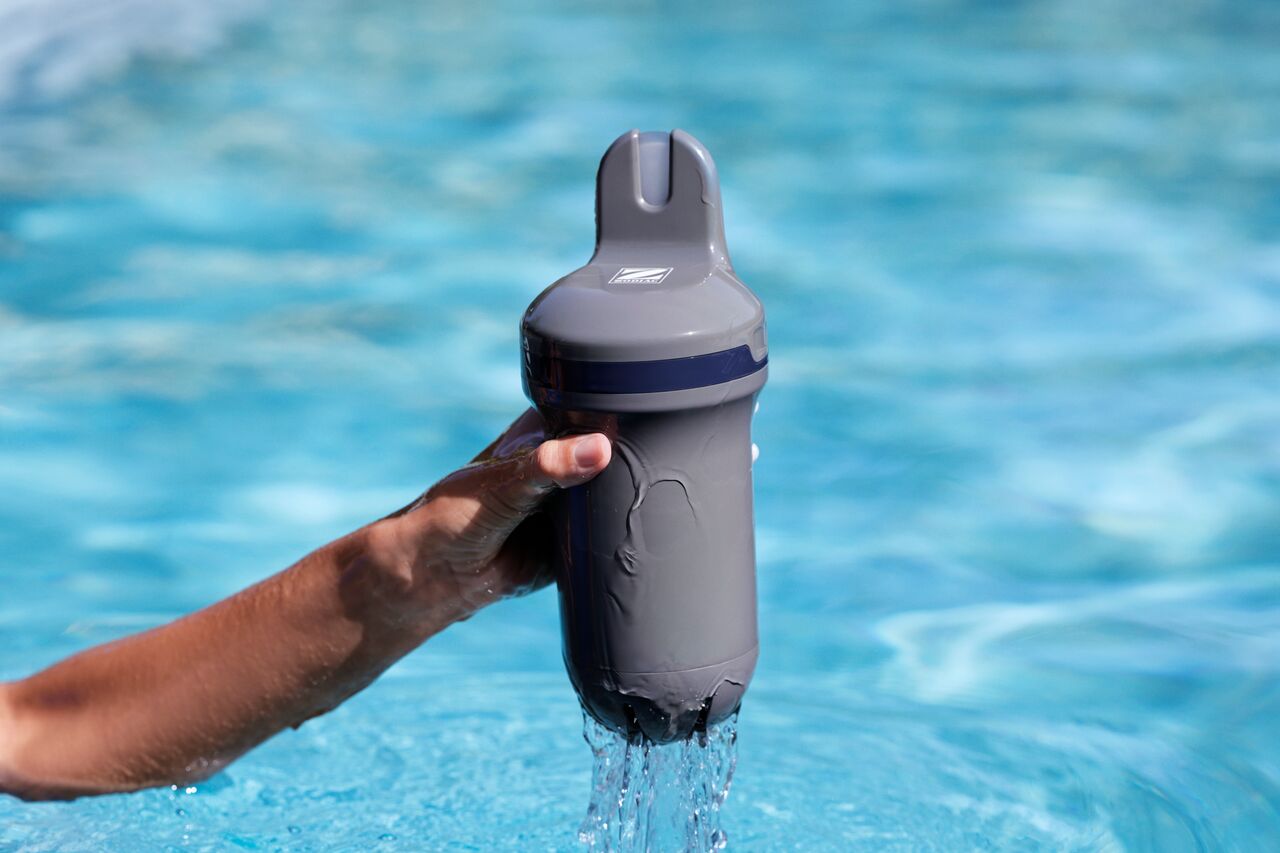
How do I pair Blue Connect with the Fluidra Pool app?
- Step-by-Step Pairing Instructions:
- Download the App: Install the Fluidra Pool app on your smartphone from the Apple App Store or Google Play.
- Create an account: Open the app and create an account by following the setup instructions.
- Add Blue Connect: Select the option to "Add Equipment" in the app and choose Blue Connect from the list.
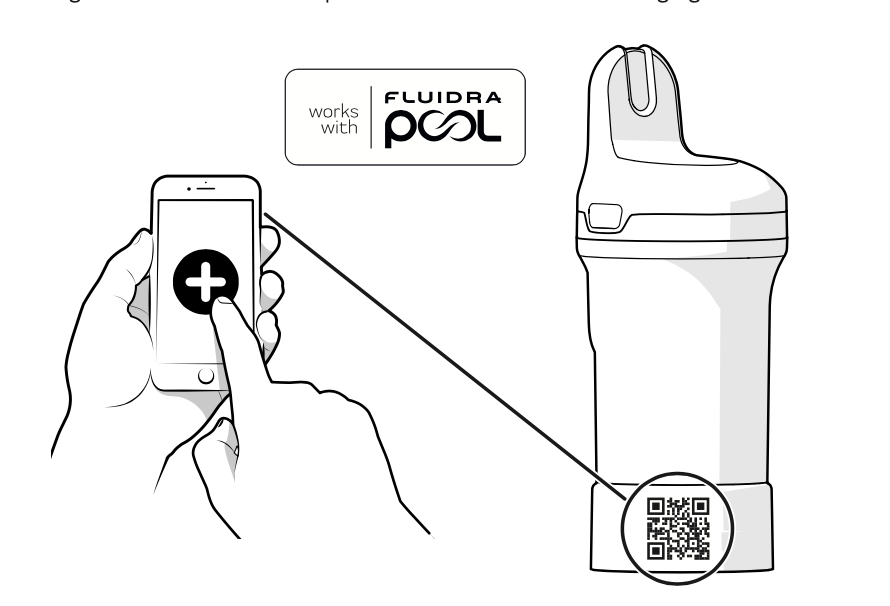
- Scan the QR code: Locate the QR code under the top cover or on the storage foot. Use your phone’s camera to scan it and pair the device.
- Complete pairing: Once paired, the app will check for any available firmware updates. Follow the on-screen prompts to complete the pairing process.
Note: Ensure that Bluetooth is enabled on your smartphone during the pairing process, and make sure you're close to the device for the connection to work smoothly.