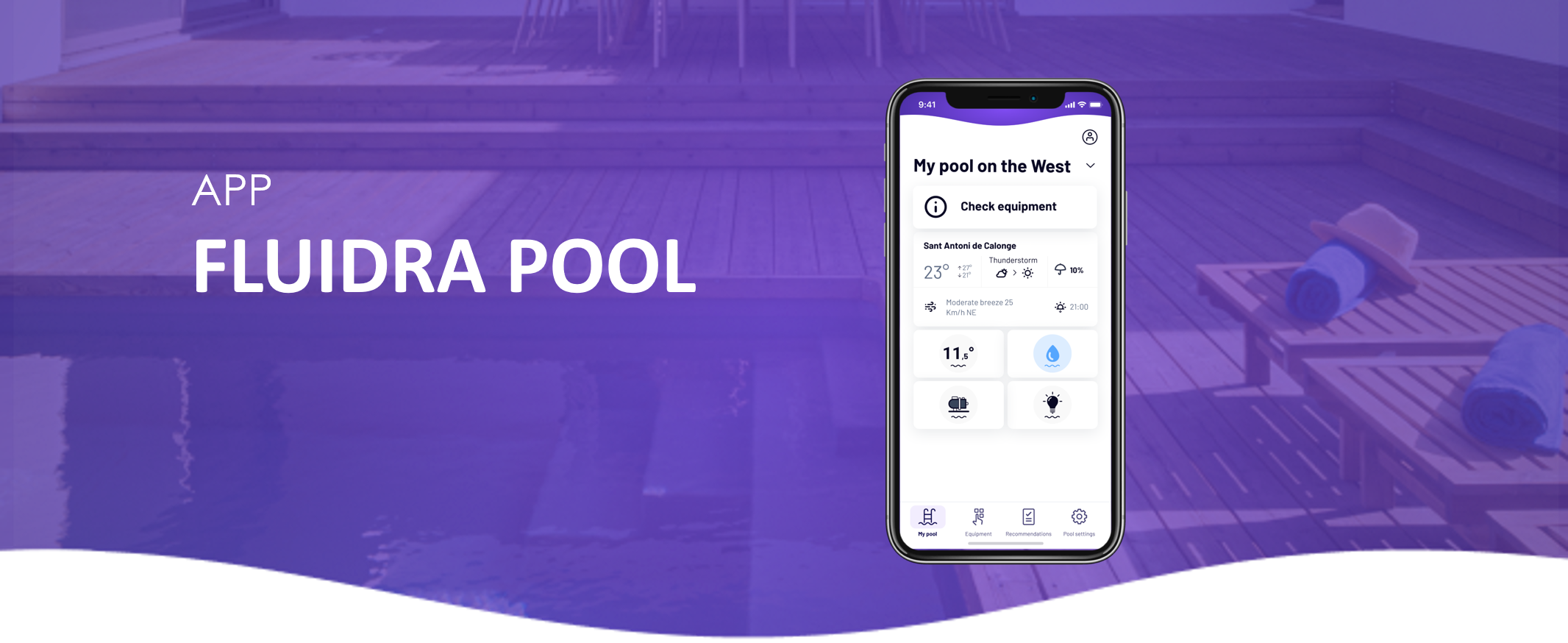
Download the Fluidra Pool app from the App Store (iOS) or Google Play (Android).
On the login screen, tap “Create Account.”
Select your country and fill in the requested details.
💡 Choose a strong password that meets all security requirements.
You will receive an activation email with a verification code.
Enter the code in the app to activate your account.
✅ Done! You can now log in with your email and password to set up your pool and connect your devices.
Didn’t receive the activation email?
Check your Spam or Junk folder.
If it’s not there, wait a few minutes and try resending the activation email.
If you haven’t found the information you’re looking for in our Help section, don’t hesitate to contact us through the Support chat. If you’re experiencing a technical issue, please consult your equipment manual or contact your installer for assistance.