
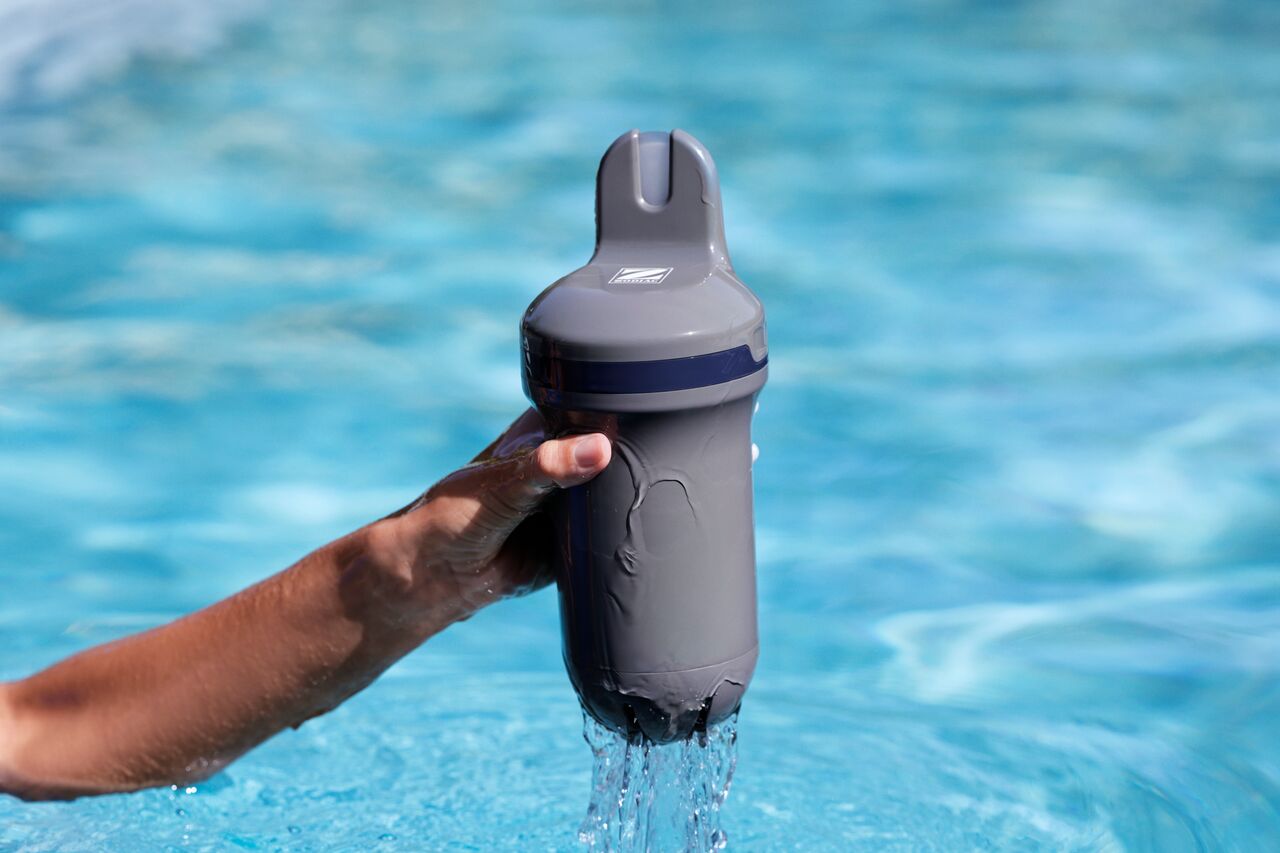
Blue Connect includes a rechargeable battery that can be charged using the USB-C charging port.
To ensure proper operation and accurate measurements, always follow the charging instructions below.
Before charging
Before connecting the charger:
- Remove Blue Connect from the water.
- Dry the device thoroughly.
- Make sure the charging port is completely dry.
- Handle the device with dry hands and charge it in a dry environment.
How do I charge Blue Connect?
- Remove the top cover by pressing on both sides and pulling it upwards.
- Unscrew the charging port cap.
- Connect the USB-C cable to the device.
- Connect the cable to a suitable power supply.
- Wait until the battery is fully charged.
- Close the charging port cap securely.
- Reinstall the top cover before placing the device back in the pool.
What do the LED indicators mean while charging?
- Flashing light: Charging in progress.
- Solid light: Charging complete.
Important charging recommendations
For best results:
- Fully charge Blue Connect before using it for the first time.
- Always charge the device in a vertical position.
- Use the storage foot during charging.
- Keep the sensor probe in a humid environment while charging by using the storage foot filled with the appropriate storage solution or water.
Can I use Blue Connect while it is charging?
No.
While Blue Connect is charging, pH and ORP measurements may not be accurate.
For this reason, measurements taken during charging should not be considered valid.
What should I do after charging?
Once charging is complete:
- Ensure the charging port cap is properly closed.
- Reinstall the top cover securely.
- Return the device to the pool.
If Blue Connect does not charge or the charging indicator does not appear, check the USB-C cable and power supply. If the problem persists, please contact your retailer or customer support.