
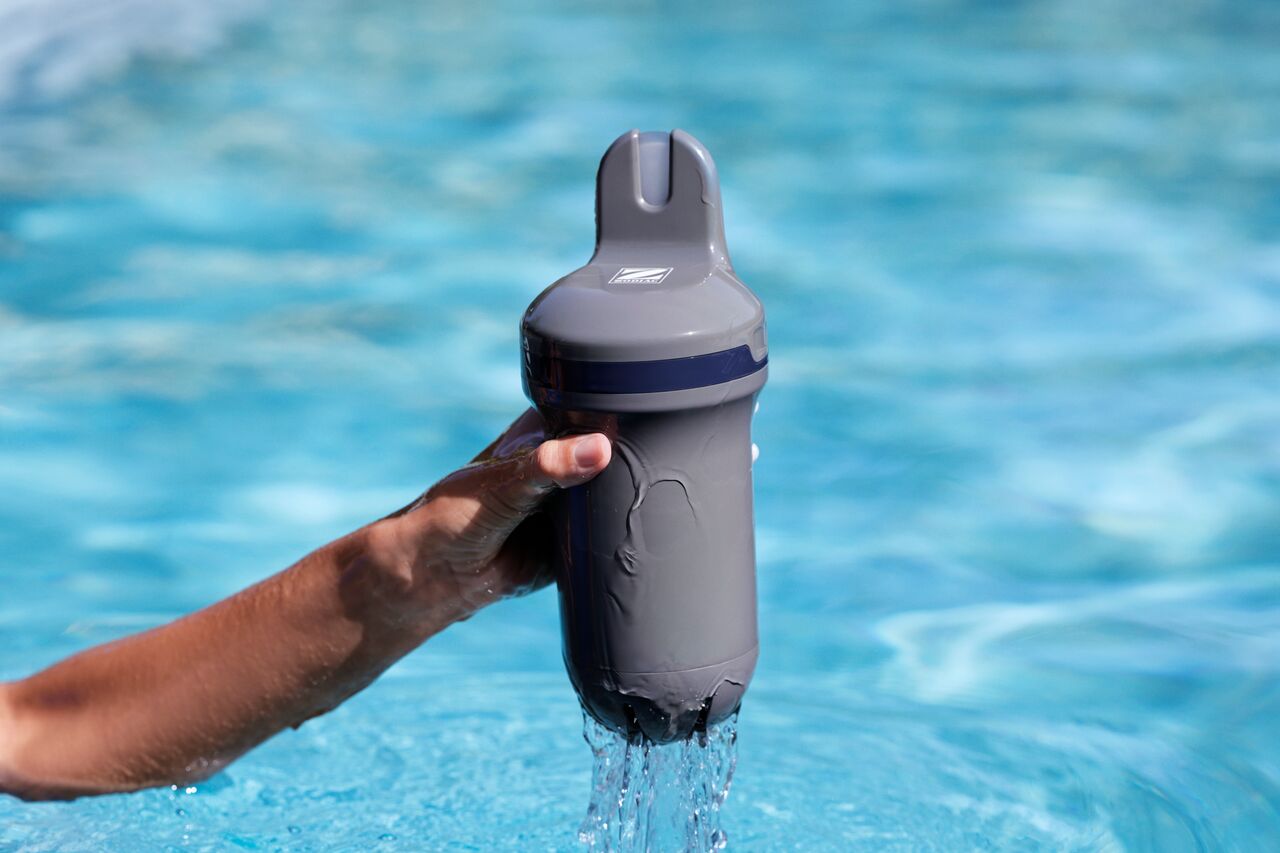
If your Blue Connect is not displaying measurements after the first installation or after winter storage, the sensor may need time to stabilize before it can provide accurate readings.
This does not necessarily indicate a fault with the device.
Blue Connect and Aqua Connect devices are factory calibrated and do not require calibration during first installation.
1. Leave the device in the water
If the sensor has been stored for a long period or has become dry, it may need time to rehydrate.
Leave Blue Connect in the pool water for at least 24 hours.
2. Check that the device is installed correctly
Ensure that:
- Blue Connect is floating in a vertical position.
- The sensor cap is installed.
- The top of the device remains above the water surface.
3. Verify that the battery is charged
A low battery level may prevent the device from operating correctly.
If necessary, fully charge Blue Connect before using it.
4. Check the connection in the Fluidra Pool app
Open the Fluidra Pool app and verify that the device is correctly paired with your account.
5. Calibrate the sensor if the issue persists
Calibration is not required during the first installation. All Blue Connect and Aqua Connect devices are calibrated at the factory before delivery.
If measurements are still unavailable after the device has remained in the water for at least 24 hours, you may perform a sensor calibration using the Fluidra Pool app.
As a general recommendation, calibration should be performed once per season to maintain measurement accuracy.
6. Wait for measurements to stabilize
After the device is placed back in the water, measurements may not be available immediately.
Allow sufficient time for the sensor to stabilize and complete several measurement cycles.
If Blue Connect still does not display measurements after completing these checks, please contact your retailer or customer support.