
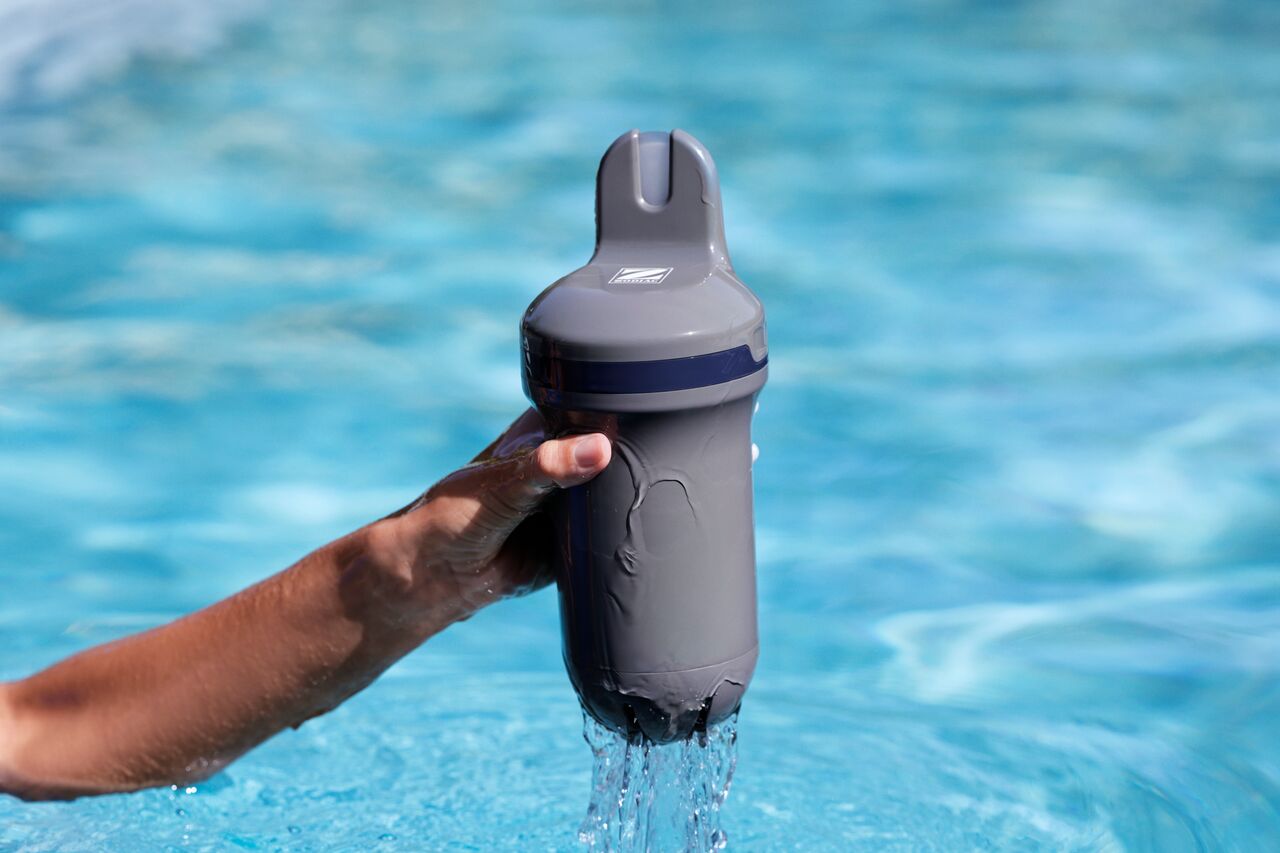
Blue Connect uses Bluetooth during installation and for certain maintenance operations, such as calibration and firmware updates.
If your Blue Connect does not appear in the Fluidra Pool app or cannot be detected via Bluetooth, try the following checks:
1. Enable Bluetooth on your smartphone
Make sure Bluetooth is enabled before starting the pairing process.
2. Stay close to the device
Bluetooth communication works over a short range. Keep your smartphone close to Blue Connect during installation, calibration, or maintenance procedures.
3. Check the battery level
A low battery level may prevent Bluetooth communication.
If necessary, fully charge Blue Connect and try again.
4. Verify that the device is not already connected to another smartphone
Blue Connect may already be connected to another mobile device or account.
If possible, ensure that no other smartphone is currently connected to the device.
5. Restart the Fluidra Pool app
Close and reopen the app, then try to detect the device again.
6. Restart your smartphone
Restarting your smartphone may resolve temporary Bluetooth communication issues.
7. Check device compatibility
Ensure that your smartphone supports Bluetooth Low Energy (BLE) and is running a supported operating system version.
If Blue Connect still cannot be detected after completing these steps, please contact your retailer or customer support.