
Why is my Blue Connect not connecting to Wi-Fi?
Blue Connect requires a stable Wi-Fi connection to synchronize measurements and communicate with the Fluidra Pool app.
If your Blue Connect cannot connect to Wi-Fi, try the following checks:
1. Move the device closer to your Wi-Fi router
A weak Wi-Fi signal may prevent Blue Connect from connecting properly.
If your pool is far from your router, consider installing a Wi-Fi extender or repeater closer to the pool area.
2. Check the position of Blue Connect in the pool
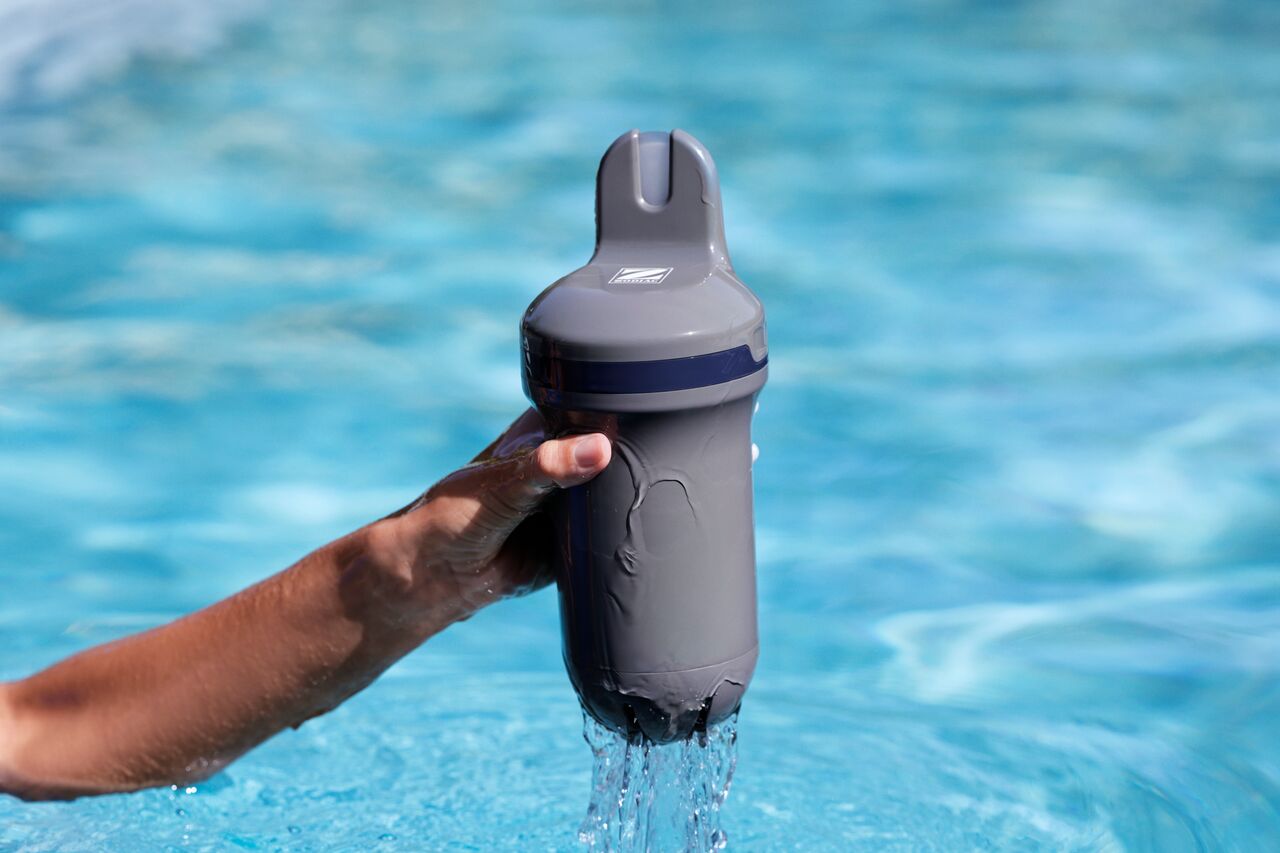
Blue Connect should remain in a vertical position with the top part above the water surface.
If the top of the device is submerged, communication performance may be affected.
3. Verify that Wi-Fi is available in the pool area
Use your smartphone near the pool and confirm that your Wi-Fi network has a stable signal.
4. Check that the device is paired correctly
Open the Fluidra Pool app and verify that Blue Connect has been successfully added to your account.
5. Install available firmware updates
If a firmware update is available, follow the instructions displayed in the Fluidra Pool app.
6. Restart the installation process
If the problem persists, remove the device from the app and repeat the pairing process following the installation instructions.
If Blue Connect still cannot connect after completing these steps, please contact your retailer or customer support.