
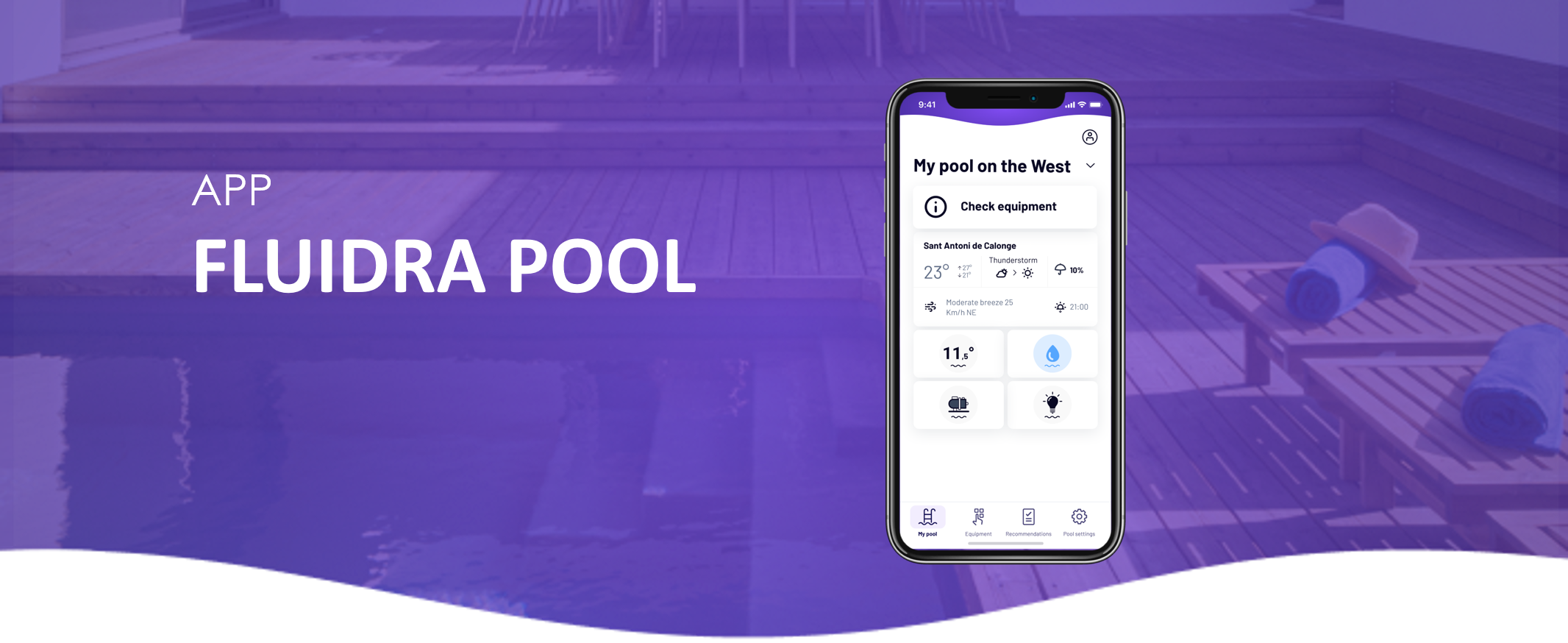
Learn how to easily pair your compatible equipment with the Fluidra Pool App and start controlling it remotely.
✅ Before you start
Make sure everything is ready before beginning the setup:
- ✅ Your device is powered on and ready
- ✅ Bluetooth is enabled on your phone
- ✅ You are close to the equipment during setup
- ✅ You are connected to a 2.4 GHz WiFi network (if required)
🔋 Additional checks
- For robotic cleaners: ensure the battery is sufficiently charged
- For some devices (e.g. water sensors): activation may be required before data appears in the app
🔄 Step-by-step setup
Follow these steps to connect your equipment:
1️⃣ Open the Fluidra Pool App
2️⃣ Go to My Equipment
3️⃣ Tap Add Equipment
4️⃣ Follow the instructions displayed on screen
🔧 How the setup works
Depending on the device type, the connection process may involve:
- 📡 Bluetooth connection (initial detection)
- 📷 Scanning a QR code
- ⚙️ Activating the device
- 🌐 Connecting via a WiFi network
- 🔗 Using a bridge or gateway (for some installations)
👉 The app will guide you automatically through the correct process.
⚠️ Troubleshooting
If the setup does not complete successfully:
🔁 Try the following steps:
- ✔️ Make sure the device is not already linked to another account
- ✔️ Close and restart the app
- ✔️ Restart the device (if possible)
- ✔️ Start the setup process again from the beginning
❗ Important notes
- Pairing must be done while you are physically near the equipment
- A stable connection is required during setup
- Once connected, the device can be controlled remotely via the app
📘 Need more details?
Each product type (chlorinators, pumps, heat pumps, etc.) may have specific setup steps.