
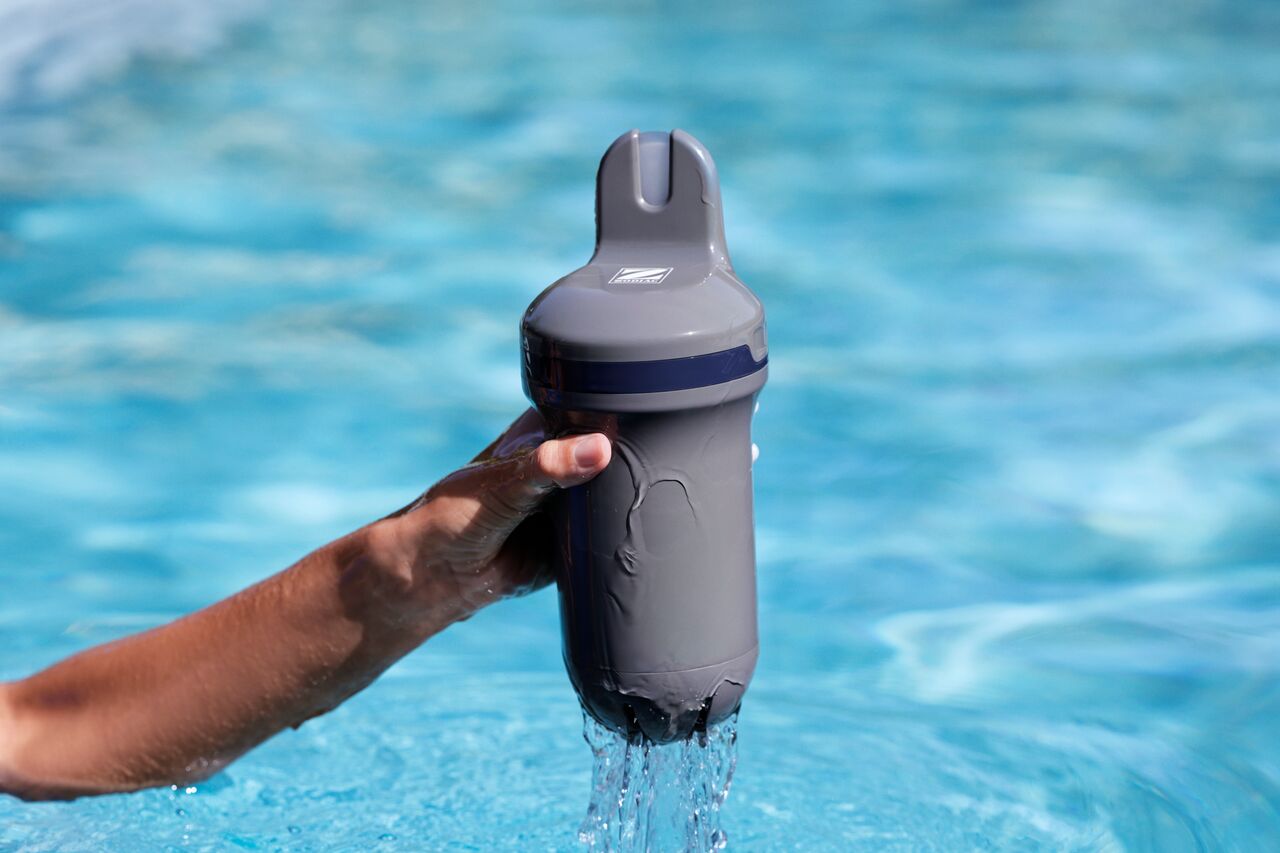
To keep your Blue Connect or Aqua Connect in good condition during the winter season, it is important to store the device correctly and protect the sensor probe from drying out.
Before winter storage
Before storing the device:
- Remove the device from the pool or installation.
- Remove the sensor cap.
- Open the Fluidra Pool app.
- Activate Winter Mode by following the instructions in the app.
How should I store the sensor probe?
The sensor probe should never be stored dry.
Before storing the device:
- Fill the storage foot with saturated potassium chloride (KCl) solution whenever possible.
- If KCl solution is not available, use pH4 solution.
- As a last resort, use pool water.
Then install the storage foot on the device.
Important storage recommendations
To protect the sensor and maintain measurement accuracy:
- Store the device in a frost-free location.
- Keep the storage foot installed at all times during storage.
- Do not allow the sensor probe to dry out.
If KCl solution is used, a salt deposit may appear around the storage foot. This is normal and can be rinsed away with clean water.
What if I remove the device from the pool for a short period?
If the device remains out of the water for more than one hour, install the storage foot with KCl solution, pH4 solution or pool water.
The sensor probe should not be left dry.
How do I reactivate the device after winter?
Blue Connect
To reactivate Blue Connect after winter storage, simply connect the device to a charger.
This will wake the device and allow normal operation to resume.
Aqua Connect
To reactivate Aqua Connect:
- Reinstall the device on the pipe installation.
- Reconnect the power supply.
- Restart normal operation.
After reactivation
After returning the device to service:
- Allow the sensor time to stabilize.
- Measurements may require several hours before becoming fully accurate.
If measurements appear inaccurate after the stabilization period, perform a calibration if necessary.