
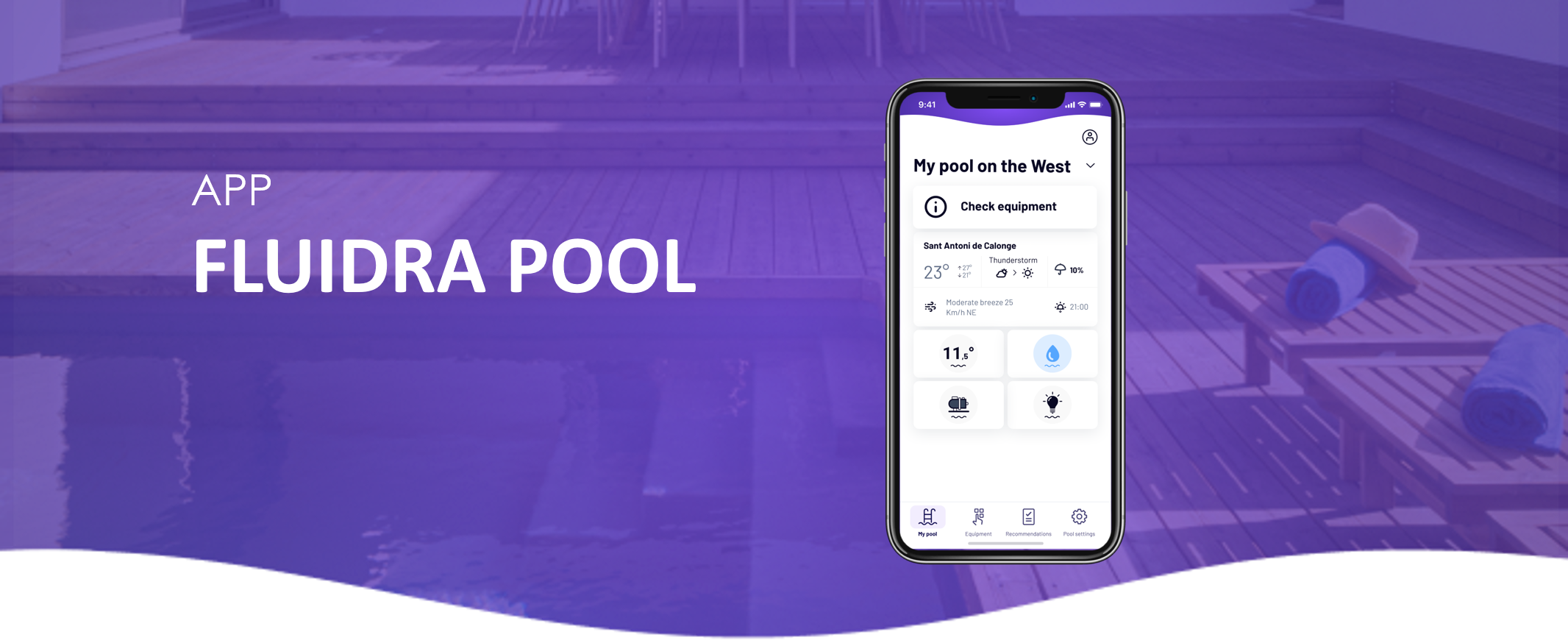
Some chlorinators use special operating modes that automatically adjust chlorine production based on your pool configuration or usage.
These modes are typically configured directly on the equipment interface (HMI), not in the Fluidra Pool app.
Common special operating modes
Depending on your model, this may include:
Cover mode
Reduces chlorine production when the pool cover is closed.
This helps avoid unnecessary chlorine generation when the pool is not exposed to sunlight or use.
Biopool / Eco modes
Adjust chlorine production and pH/ORP behavior automatically.
These modes are designed to optimize water treatment based on efficiency or predefined settings.
Other automatic behaviors
Some systems may adapt chlorine production based on:
• Filtration activity
• Connected equipment
• Internal configuration of the system
What you may notice in the app
When a special operating mode is active, the app may behave differently.
For example:
• Chlorine production may appear lower or adjusted
• Water values and thresholds may be automatically modified
• Some actions (such as Boost mode) may be temporarily unavailable
Important
This behavior is normal and depends on the active operating mode configured on your equipment.
The app reflects these adjustments but does not control the mode itself.