
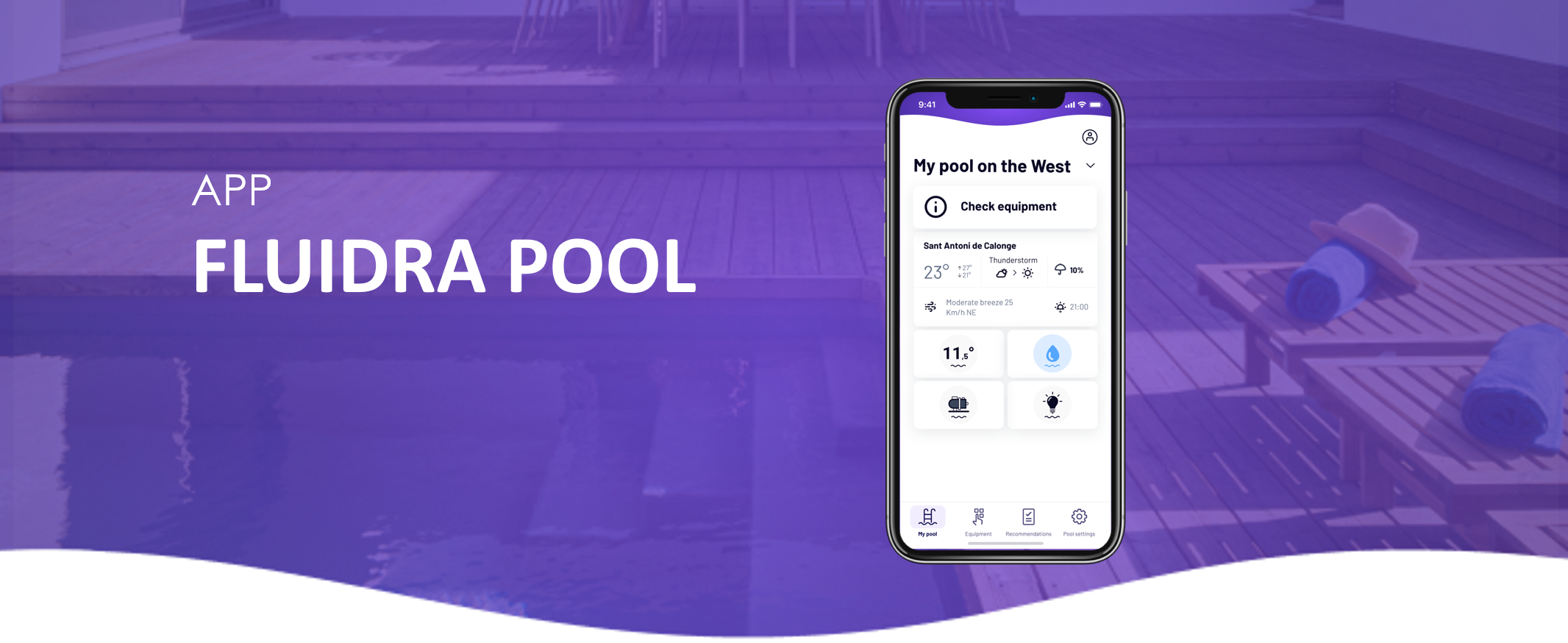
If your device appears offline in the Fluidra Pool app, it means the equipment is not currently communicating with the app.
This can happen for several reasons, such as power interruptions, network issues, or normal device behavior.
Check the device power
Make sure the equipment is powered on.
If the device has recently lost power or was restarted, it may take a few minutes to reconnect to the app.
Check your internet connection
Some equipment communicates with the app through your Wi-Fi network or a gateway device.
Verify that:
• Your internet connection is working
• Your router is powered on
• The device or gateway is within range of the network
Check Bluetooth connection (for local connection)
If you are connecting locally:
• Make sure Bluetooth is enabled on your phone
• Stay close to the equipment
Restart the device
Restarting the device or gateway can often restore the connection.
After restarting, wait a few minutes for the system to reconnect.
When the offline status may be normal
In some cases, the device may appear offline even though there is no problem.
For example:
• A robot may appear offline when it is powered off or not in use
• Some equipment may temporarily disconnect when not actively running
Once the device is powered on or operating again, it should reconnect automatically.