
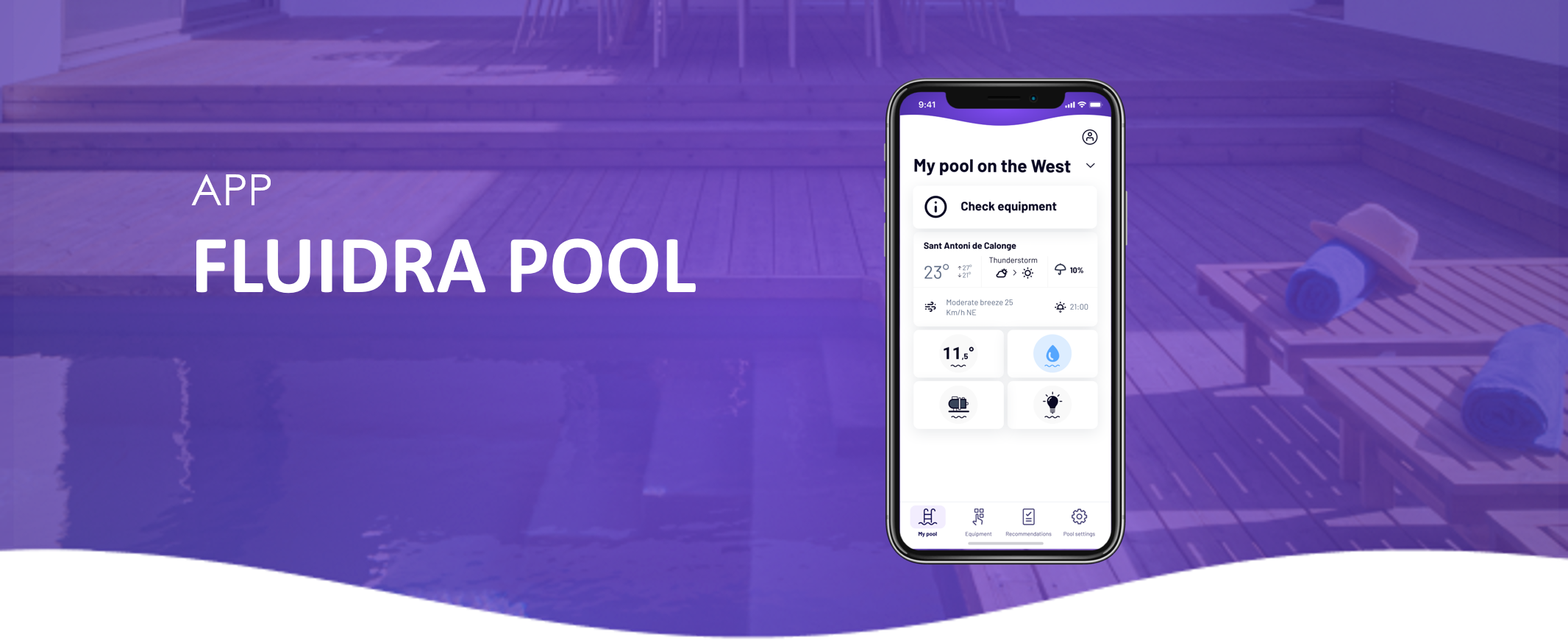
If your pool system includes a compatible chlorinator, you can adjust the chlorine production level directly from the Fluidra Pool app.
Adjust chlorine production
Open the Fluidra Pool app
Select your chlorinator
Locate the chlorine production percentage (%)
Move the slider to increase or decrease chlorine production
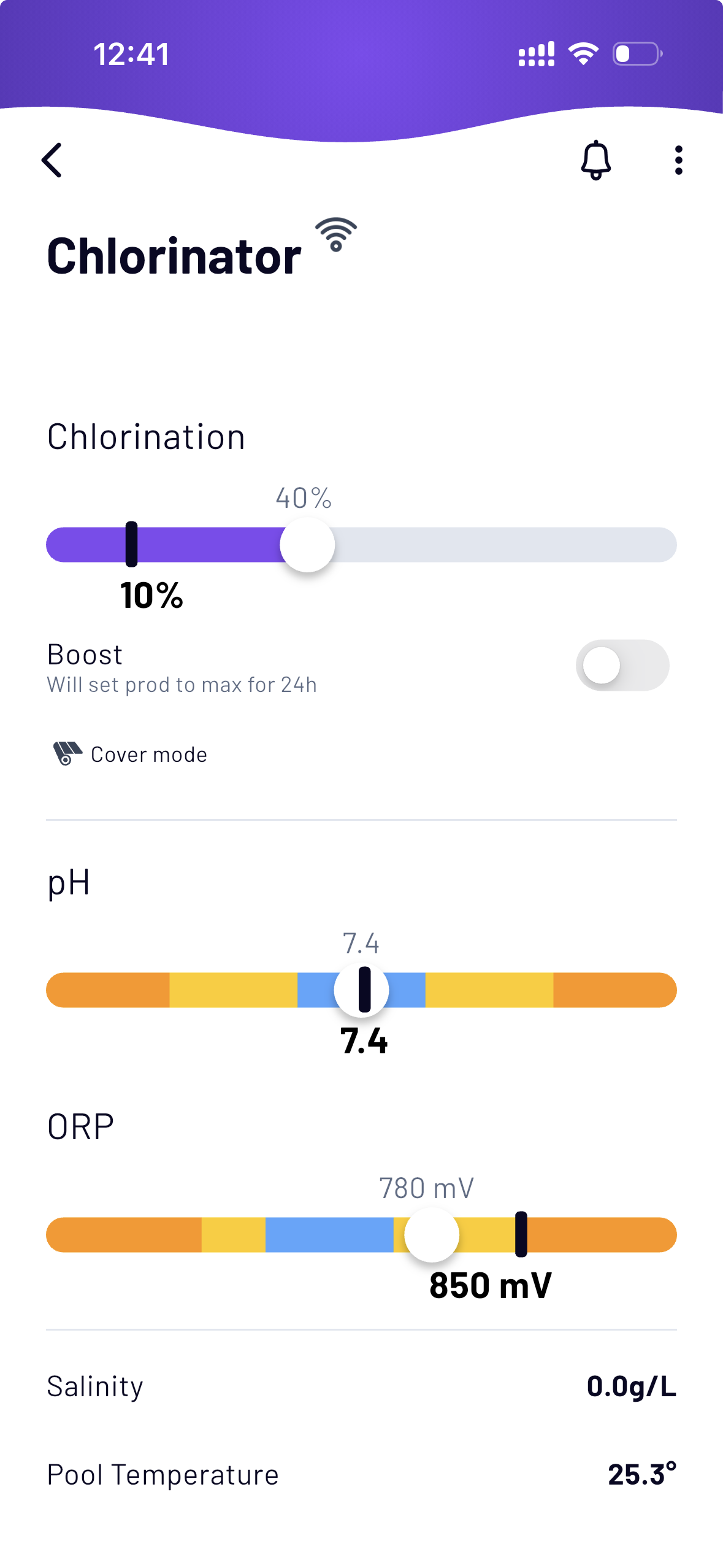
What the percentage means
• Higher % → more chlorine production
• Lower % → less chlorine production
• 0% → chlorine production is disabled
Adjust the level depending on pool usage and water conditions.
Activate Boost mode
Boost mode temporarily sets chlorine production to the maximum level for 24 hours.
To activate Boost:
Open the Fluidra Pool app
Select your chlorinator
Toggle the Boost switch
Once activated, the system will automatically return to the previous chlorine level after the Boost cycle ends.
If the change does not apply
Check the following:
• The device is connected to the app and has a stable Wi-Fi connection
• The filtration pump is running
• The system is not currently performing another operation