
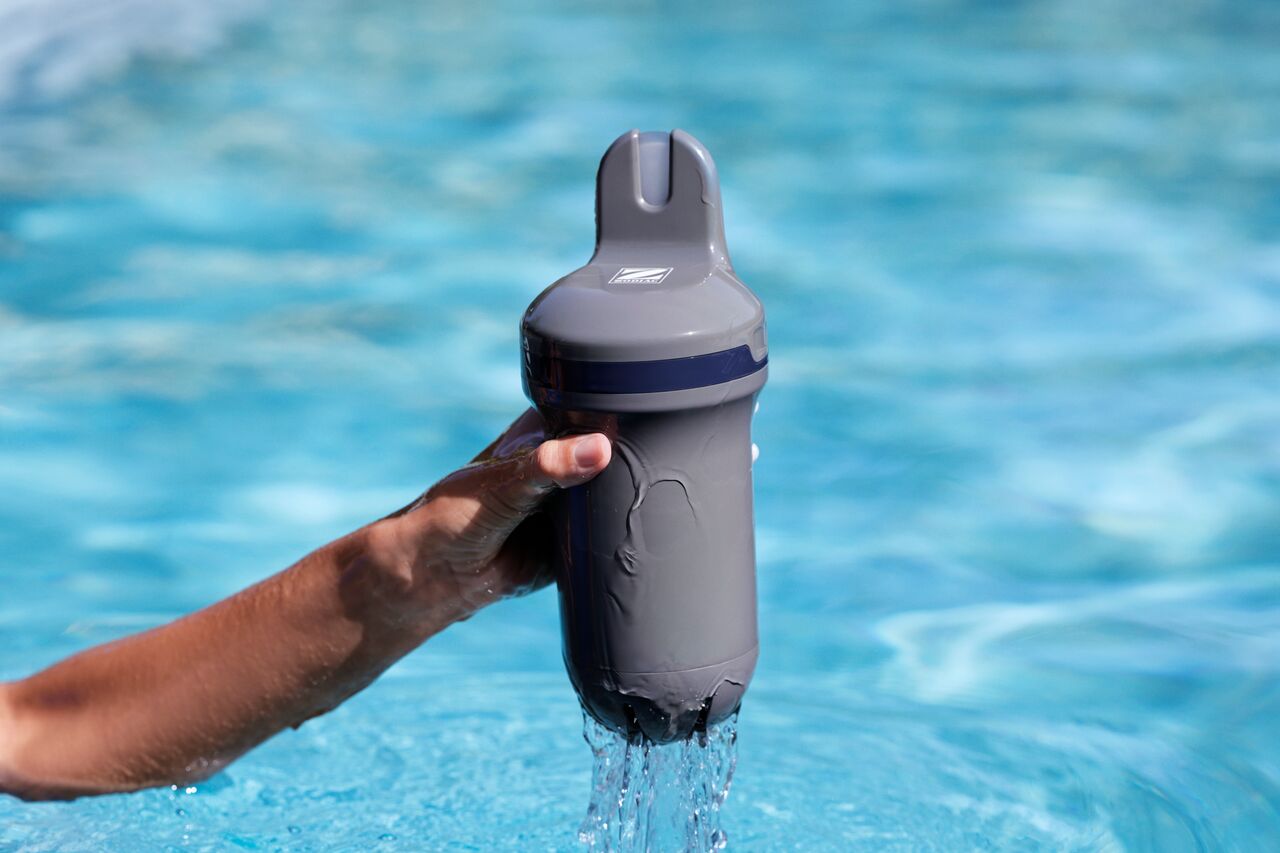
If the measurements reported by your Aqua Connect appear unstable, inaccurate or inconsistent, there may be several possible causes.
This does not necessarily indicate a fault with the device.
1. Allow time for the sensor to stabilize
If Aqua Connect has recently been installed, reactivated after winter storage or fitted with a new sensor probe, the measurements may require time to stabilize.
Allow several measurement cycles before evaluating the readings.
2. Check that the sensor is clean
Deposits, algae, moss or other contamination on the sensor may affect measurement accuracy.
Inspect the sensor and clean it carefully if necessary.
3. Verify that the device is installed correctly
For accurate measurements, Aqua Connect should be:
- Installed after the filtration system.
- Installed before any heating or water treatment equipment.
- Mounted in the correct position according to the installation instructions.
4. Check that the filtration system is operating normally
Aqua Connect performs measurements during filtration periods.
Insufficient water flow or filtration issues may affect measurement stability.
5. Calibrate the sensor if necessary
Calibration is not required during the first installation. All Aqua Connect devices are calibrated at the factory before delivery.
However, calibration is recommended:
- Once per season.
- After replacing the sensor probe.
- If measurements remain unstable or inaccurate.
6. Wait after calibration
Following a calibration, the measurements may require time to stabilize.
- After a pH calibration, wait approximately 3 hours.
- After an ORP calibration, wait at least 2 hours before evaluating the readings.
7. Check for recent changes in water treatment
Recent chemical treatments, shock treatments or significant changes in water balance may temporarily affect the measurements.
Allow the water to circulate normally before reviewing the readings again.
If the measurements continue to appear unstable after completing these checks, please contact your retailer or customer support.