
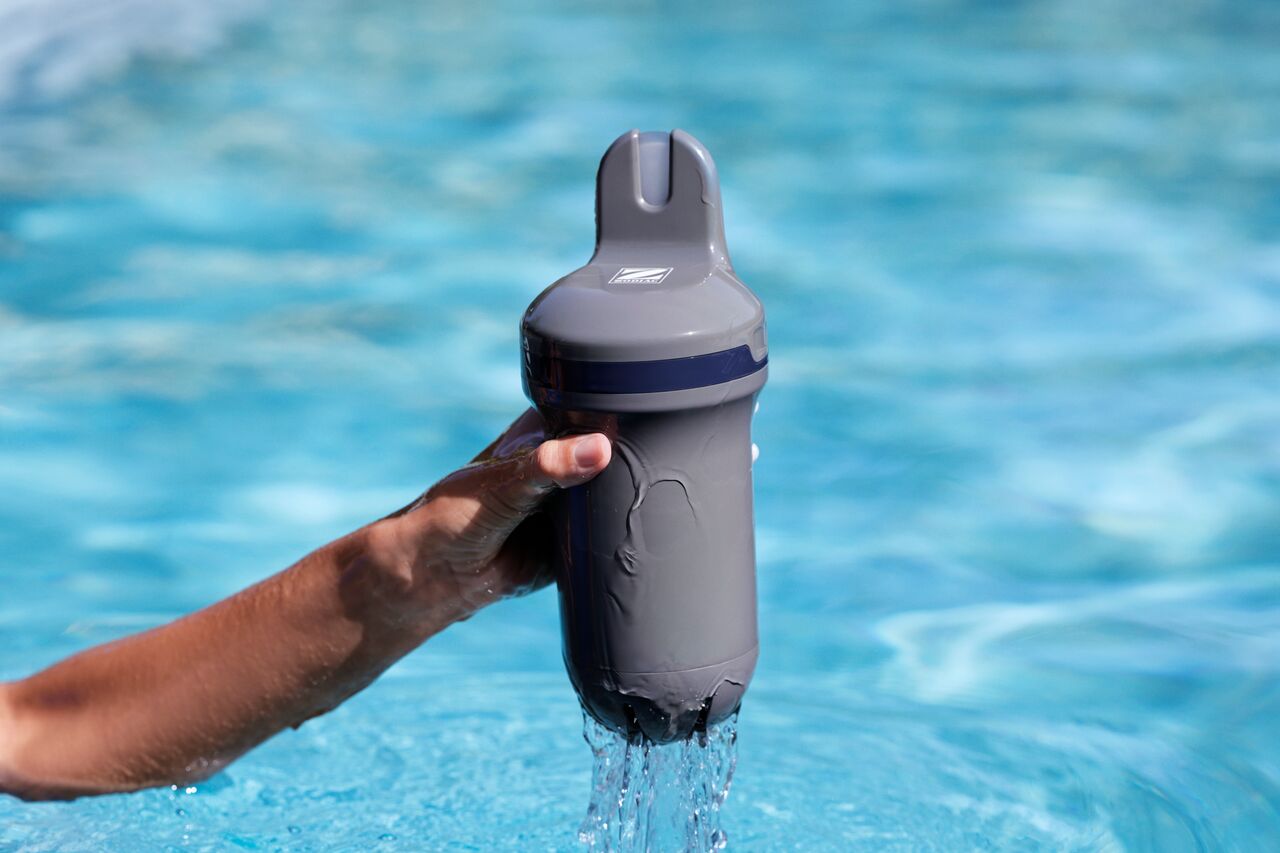
If your Blue Connect displays "No Data" in the Fluidra Pool app, the device may not be able to send or update measurements.
This does not necessarily indicate a fault with the device.
1. Check the Wi-Fi connection
Blue Connect requires a stable Wi-Fi connection to synchronize measurements with the Fluidra Pool app.
If the device is not connected to Wi-Fi, measurements may not be updated.
For more information, see:
Why is my Blue Connect not connecting to Wi-Fi?
2. Check that the device is correctly paired
If the device is not correctly paired with your account, measurements may not be available in the app.
For more information, see:
Why is my Blue Connect not detected by Bluetooth?
3. Check the battery level
If the battery level is very low, the device may not operate correctly or transmit measurements.
Recharge the device if necessary.
For more information, see:
Why does my Blue Connect battery drain quickly?
How do I charge Blue Connect correctly?
4. Allow time for measurements to become available
If the device has recently been installed, reactivated after winter storage or fitted with a new probe, measurements may require time to stabilize.
For more information, see:
Why isn't my Blue Connect showing measurements?
5. Aqua Connect: Verify that filtration is running
Aqua Connect performs measurements during filtration periods.
If the filtration system is not operating, measurements may not be updated.
For more information, see:
How does Blue Connect communicate pool data to my smartphone?
6. Check the Fluidra Pool app
Verify that:
- The device appears in your account.
- The app is updated to the latest version.
- Your smartphone has an Internet connection.
Still seeing “No Data”?
If the problem persists after completing these checks, please contact your retailer or customer support.