
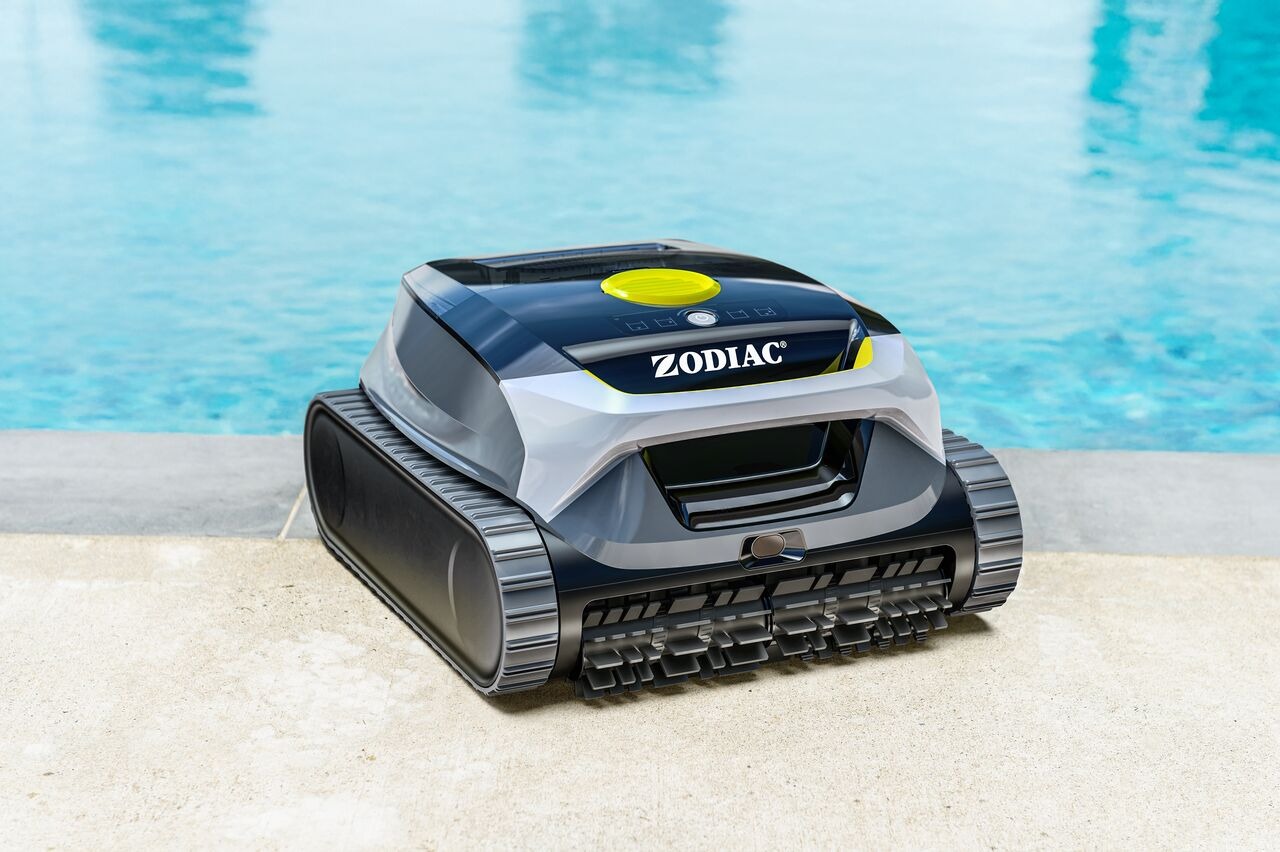
Freedom Lite includes two filtration options designed for different types of debris.
Choosing the right filter improves cleaning performance and water clarity.
🟡 180µ General-Purpose Filter
What it captures:
Leaves
Sand
Small stones
Large debris
When to use it:
When there is visible debris in the pool
After windy days
During heavy leaf season
If there is a lot of visible dirt, use the 180µ filter alone without the ultra-fine filter.
🔵 3µ Ultra-Fine Filter
What it captures:
Fine dust
Silt
Small particles
Some algae
Cloudy water residue
When to use it:
When water looks cloudy
When there is fine sediment
After algae treatment
For best results in cloudy water conditions, use:
✅ The 180µ filter canister
➕ The 3µ ultra-fine filter together
💧 Why does filter choice matter?
Using the wrong filter may result in:
Reduced suction performance
Shorter cleaning cycles
Debris passing back into the pool
Matching the filter to the debris type ensures optimal cleaning.
🧼 Cleaning & Maintenance Tips
To maintain performance:
Rinse the filter basket with a water jet after every cycle.
Remove all debris before it dries.
Allow filters to dry completely before storage.
Ultra-Fine Filter Replacement
It is recommended to replace the 3µ ultra-fine filter approximately every 30 cleaning cycles, depending on usage and water conditions.
❓ How do I access the filter?
Open the robot cover.
Remove the filter canister.
Clean or replace as needed.
Reinstall securely before the next cycle.
Always ensure the filter is properly installed before starting a cleaning cycle.
If your pool water remains cloudy after cleaning, try using the ultra-fine filter combination.