
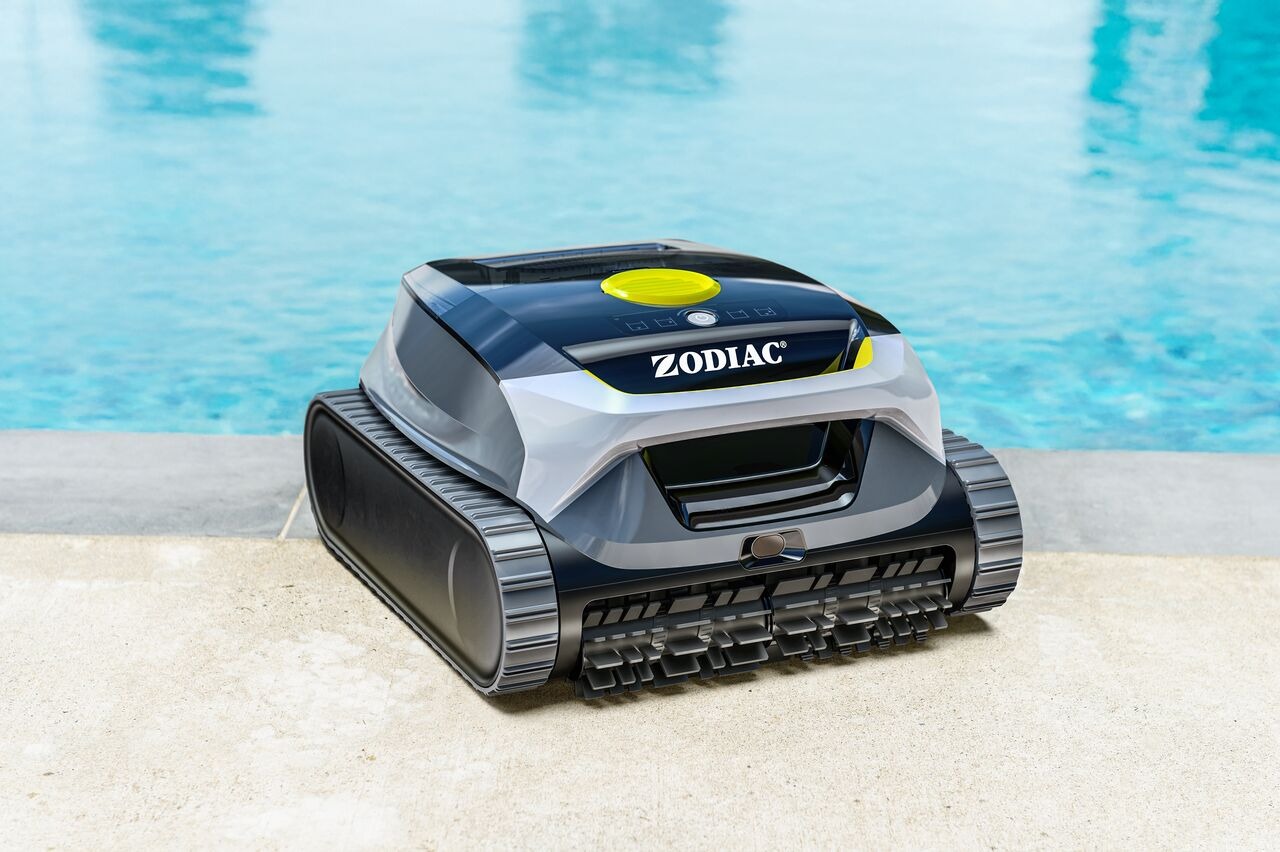
The LED status light on your Freedom Lite provides information about the robot’s current state.
Understanding these signals can help you quickly identify what the robot is doing.
🟢 Solid Green Light
Meaning:
The robot is fully charged and ready to use.
What to do:
You can start a cleaning cycle.
🌿 Blinking Green Light
Meaning:
The robot is in network setup mode and ready for pairing.
This happens when:
You power on the robot for the first time
You reset the network
You are pairing the robot with the app
What to do:
Open the Fluidra Pool App
Tap “Add Equipment”
Follow the pairing instructions
💨 Breathing Light (Slow Pulse)
Meaning:
The robot is charging.
What to do:
Let it charge fully. Charging time is approximately 4 hours.
🔴 Charging Stops or No Light
Possible causes:
Temperature outside the charging range (10°C–40°C / 50°F–104°F)
Charging cable not properly connected
Charger issue
What to do:
Make sure the robot is dry before charging.
Check the charging cable connection.
Charge indoors within the recommended temperature range.
Try another power outlet.
If the issue continues, contact Customer Support.
🔋 Robot Will Not Start
If the robot does not start when powered on:
If battery level is above 10%, it will start but run for a shorter time.
If battery level is 10% or lower, the robot will not start.
What to do:
Fully charge the robot before starting a cycle.
📌 Charging Best Practices
Always dry the robot before charging.
Charge indoors.
Recommended charging temperature: 10°C–40°C (50°F–104°F).
When fully charged, the LED will turn solid green.
If the LED behavior seems unusual or does not match the descriptions above, restart the robot and try again.