
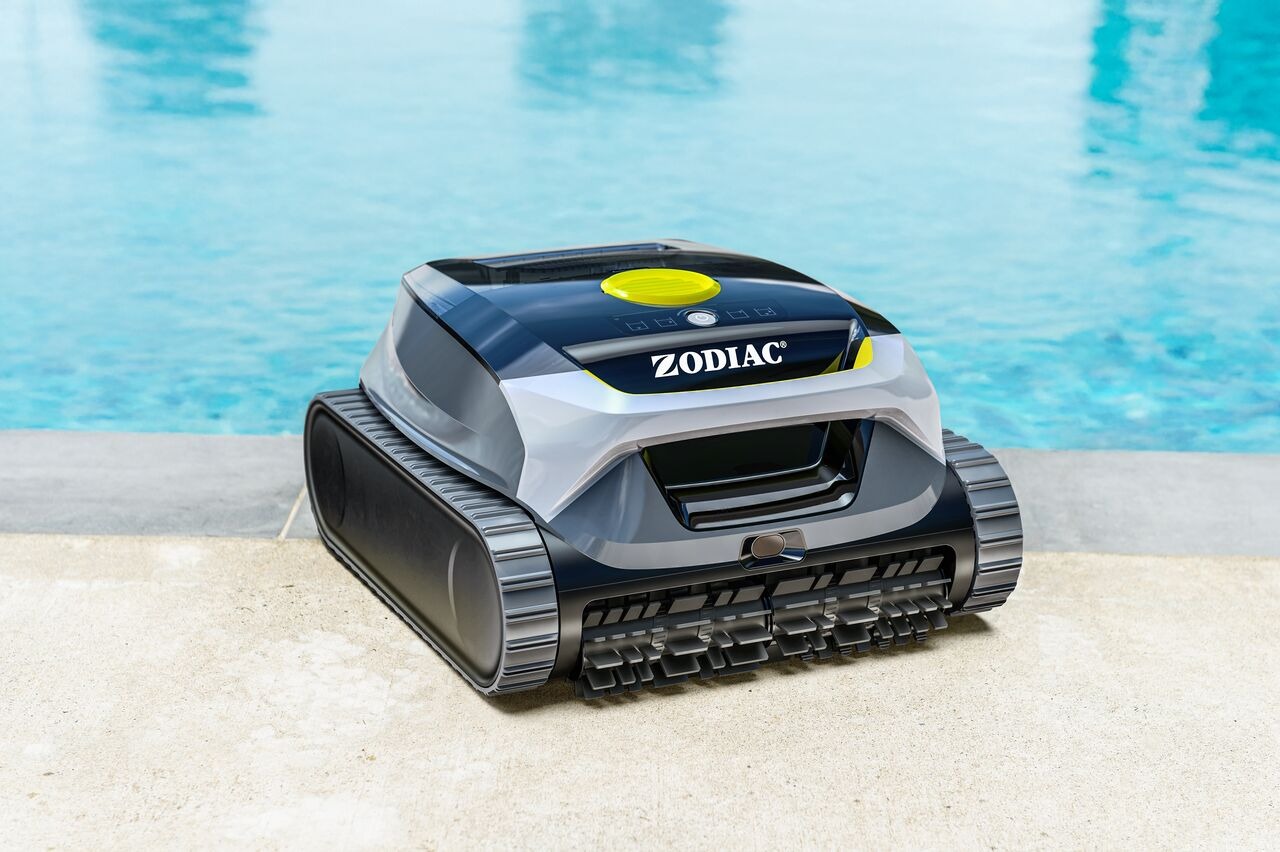
You can schedule automatic cleaning using Multi-day mode in the Fluidra Pool app.
📱 How to set up a schedule
- Make sure your robot is powered on and connected (before placing it in the water)
- Open the Fluidra Pool app
- Select your robot
- Go to Multi-day mode
- Choose:
- Number of cleaning sessions
- Days of the week
- Duration of each cycle
- Confirm your schedule
- Start the robot and place it in the pool
👉 The robot will follow the planned schedule automatically.
⚙️ How Multi-day mode works
- The robot performs scheduled cleaning sessions automatically
- Each session runs independently based on your configuration
- After each session:
- The robot performs a short waterline wait
- Cleaning data may be uploaded
⚠️ Important limitations
- Multi-day mode supports floor cleaning only
- Maximum 4 cleaning sessions per week
- Each session has a fixed duration (e.g. 45–90 minutes depending on settings)
- The schedule is valid for one week only and must be set again after
⚠️ Connectivity notes
- Scheduling must be configured before placing the robot in the water
- The robot does not communicate underwater
- The schedule is executed autonomously once started
✅ In summary:
Multi-day mode allows you to automate cleaning across the week, but with limited sessions and floor-only cleaning. The robot follows the schedule independently once configured.
If you have not found the information you are looking for in our Help section, please contact us through the Support chat.
If you are experiencing a technical issue with your equipment, please refer to the equipment manual and/or contact your installer.