
What You Need
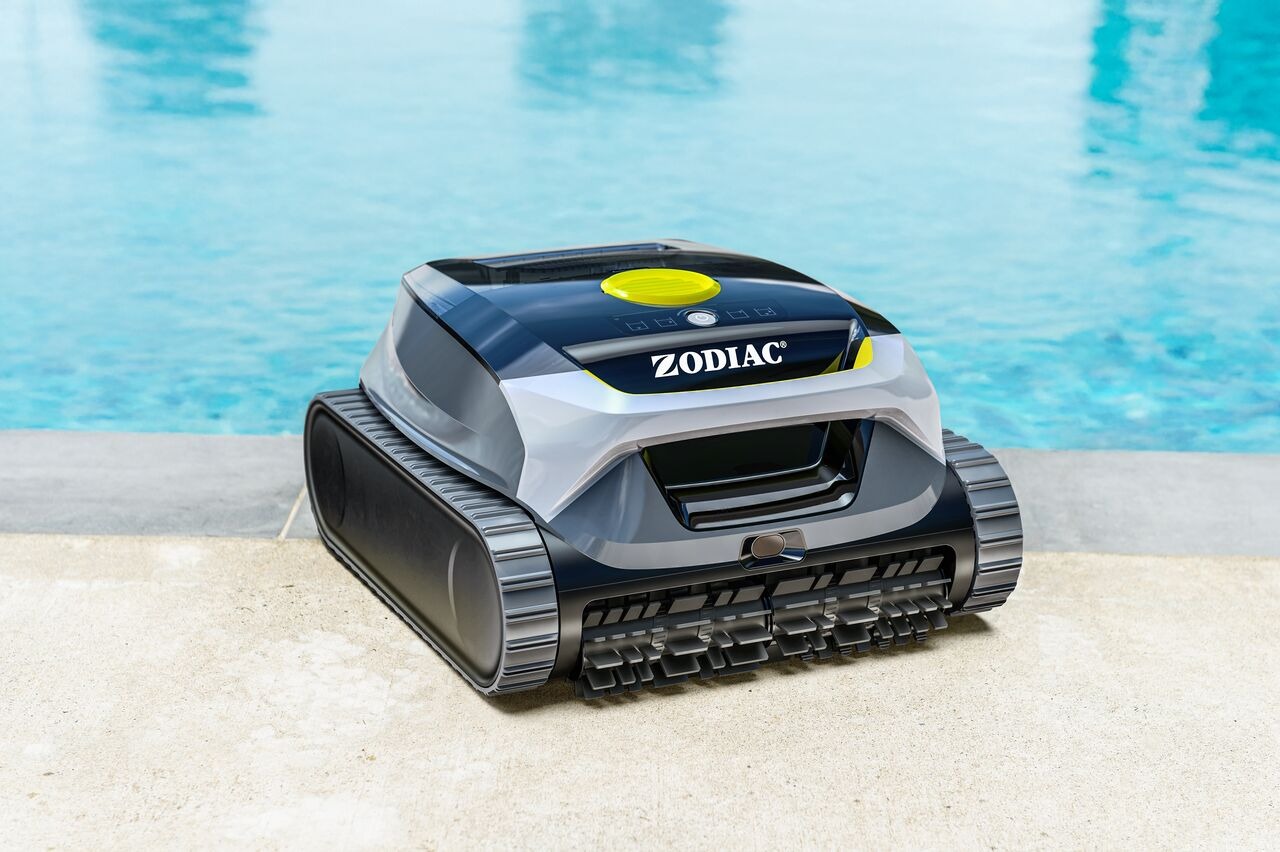
A Freedom Lite (WR000703) robot connected to the Fluidra Pool app.
Your mobile device with the app installed.
The robot powered on and connected to the cloud.
How to Check the Cleaning Status
Open the Fluidra Pool app on your device.
Go to the Robot Control screen.
The current cleaning status is displayed on the screen.
The app reflects the robot’s operating state.
What the Cleaning Status Means
Depending on the robot’s condition, you may see:
- Cycle Started – The robot is waiting for water detection before beginning operation.
- Cycle in Progress – The robot is actively cleaning.
- Charging – The robot battery is charging.
- Low Battery – The robot requires charging and may not run a full cleaning cycle.
- Error Detected – A fault occurred during the cycle.
If an error occurs during a cycle, the robot stops and the error can be displayed.
Why Status May Not Update
Status information may not update if:
The robot is not connected to the cloud.
The robot is powered off.
The robot is outside Wi-Fi range.
If the connection is interrupted, reconnect the robot to the network before checking the status again.
If you have not found the information you are looking for in our Help section, please contact us through the Support chat.
If you are experiencing a technical issue with your equipment, please refer to the equipment manual and/or contact your installer.