
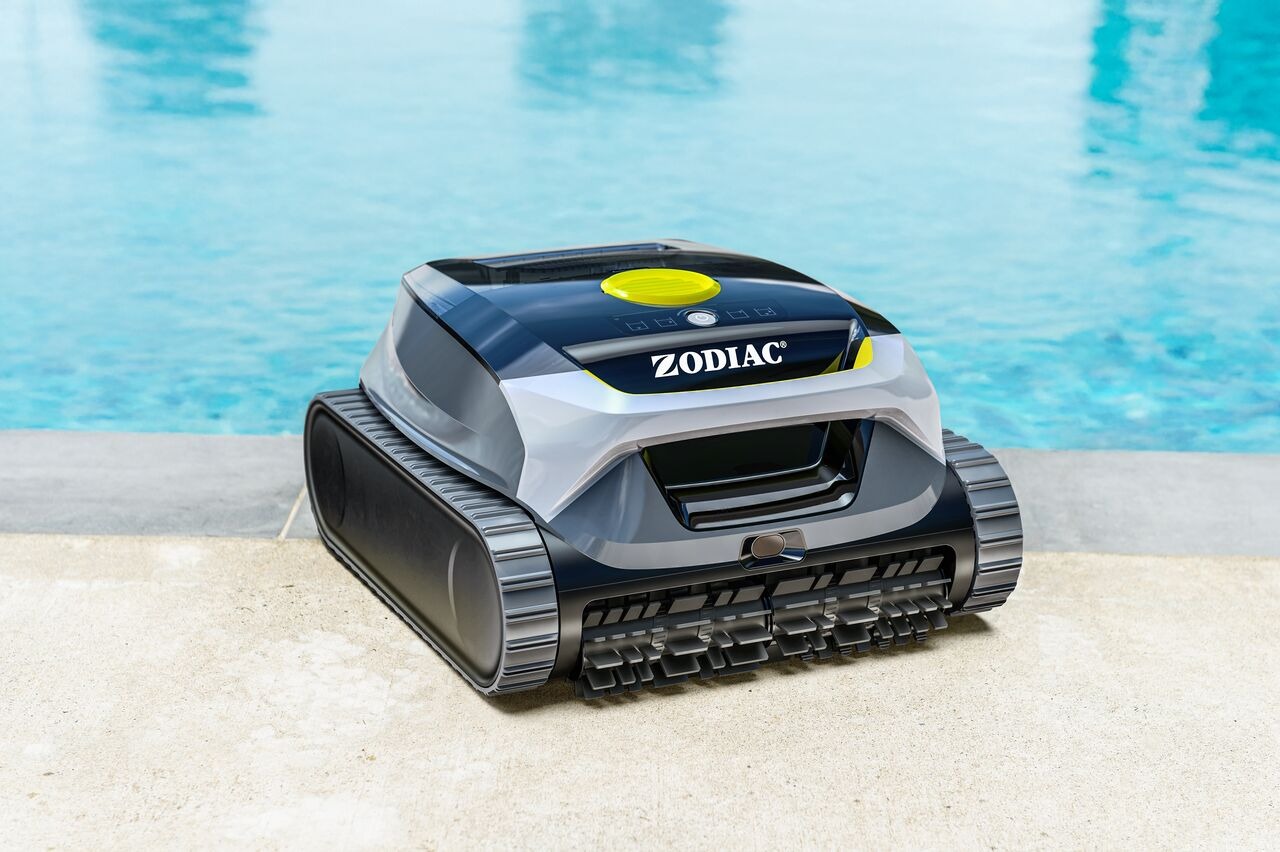
You can select a cleaning mode either directly on the robot or from the Fluidra Pool app.
▶️ Option 1: Select a mode on the robot
- Make sure the robot is powered on
- Press the button briefly to cycle through the available cleaning modes
- Once the desired mode is selected, start the cycle
- Place the robot in the pool
👉 The selected mode will be applied when the cleaning cycle starts.
📱 Option 2: Select a mode in the app
If your robot is paired with the Fluidra Pool app:
- Make sure the robot is powered on and connected (before placing it in the water)
- Open the app
- Select your robot
- Choose a cleaning mode
- Start the cleaning cycle
- Place the robot in the pool
👉 The selected mode is applied before the robot is submerged.
⚠️ Important
- The robot cannot receive commands underwater
- Cleaning modes must be selected before placing the robot in the pool
- The app does not control the robot during operation
🤖 Available modes
Depending on your model, the robot can clean:
- Floor only
- Walls
- Floor & walls
- Waterline
- Multi-day scheduling (app only)
👉 The robot automatically follows predefined cleaning patterns based on the selected mode.
✅ In summary:
You can select cleaning modes on the robot or in the app, but they must be set before the robot is placed in the water. Once started, the robot cleans autonomously.
If you have not found the information you are looking for in our Help section, please contact us through the Support chat.
If you are experiencing a technical issue with your equipment, please refer to the equipment manual and/or contact your installer.