
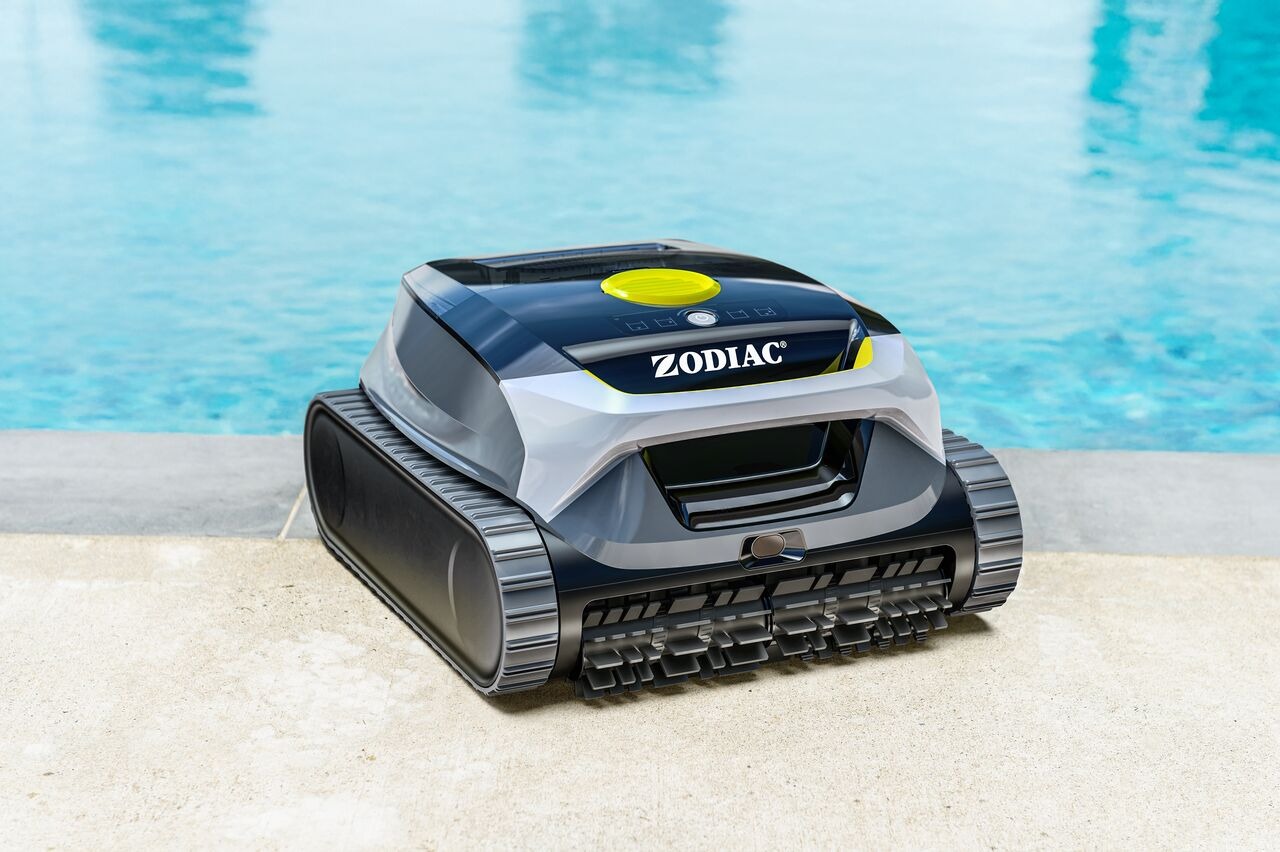
What you need to start or stop a cycle from the app
To use the app to control a cleaning cycle, you need:
- A Freedom Lite (WR000703)
- The Fluidra Pool app installed on your mobile device
- The robot paired and connected to Wi‑Fi
If the robot is not connected to Wi‑Fi, it can still clean, but it cannot be controlled from the app.
How to start a cleaning cycle from the app
- Open the Fluidra Pool app
- Select your Freedom Lite
- Go to the cleaning controls screen
- Choose a cleaning mode
- Tap Start
✅ The robot will begin cleaning as soon as it is:
- Powered on
- Submerged in water
If the robot is not in the water, it will wait until water is detected.
How to stop a cleaning cycle from the app
- Open the Fluidra Pool app
- Select your Freedom Lite
- Tap Stop
✅ The robot will stop the current cycle.
Note: If the robot is underwater, it will stop safely and remain in the pool until removed.
Can I start or stop a cycle without the app?
✅ Yes.
You can always:
- Start a cycle using the physical button on the robot
- Stop a cycle by pressing and holding the button on the robot
The app is not required to operate the robot.
What happens if the robot loses connection during a cycle?
If the robot:
- Loses Wi‑Fi connection, or
- Is not connected to the app
✅ The cleaning cycle continues normally.
Only these features are affected:
- Remote control from the app
- Status updates
- Push notifications
Important notes
- The app does not control the motor directly
- The robot makes its own cleaning decisions once the cycle has started
- Stopping a cycle from the app does not reset the robot
If you have not found the information you are looking for in our Help section, please contact us through the Support chat.
If you are experiencing a technical issue with your equipment, please refer to the equipment manual and/or contact your installer.