
What You Need
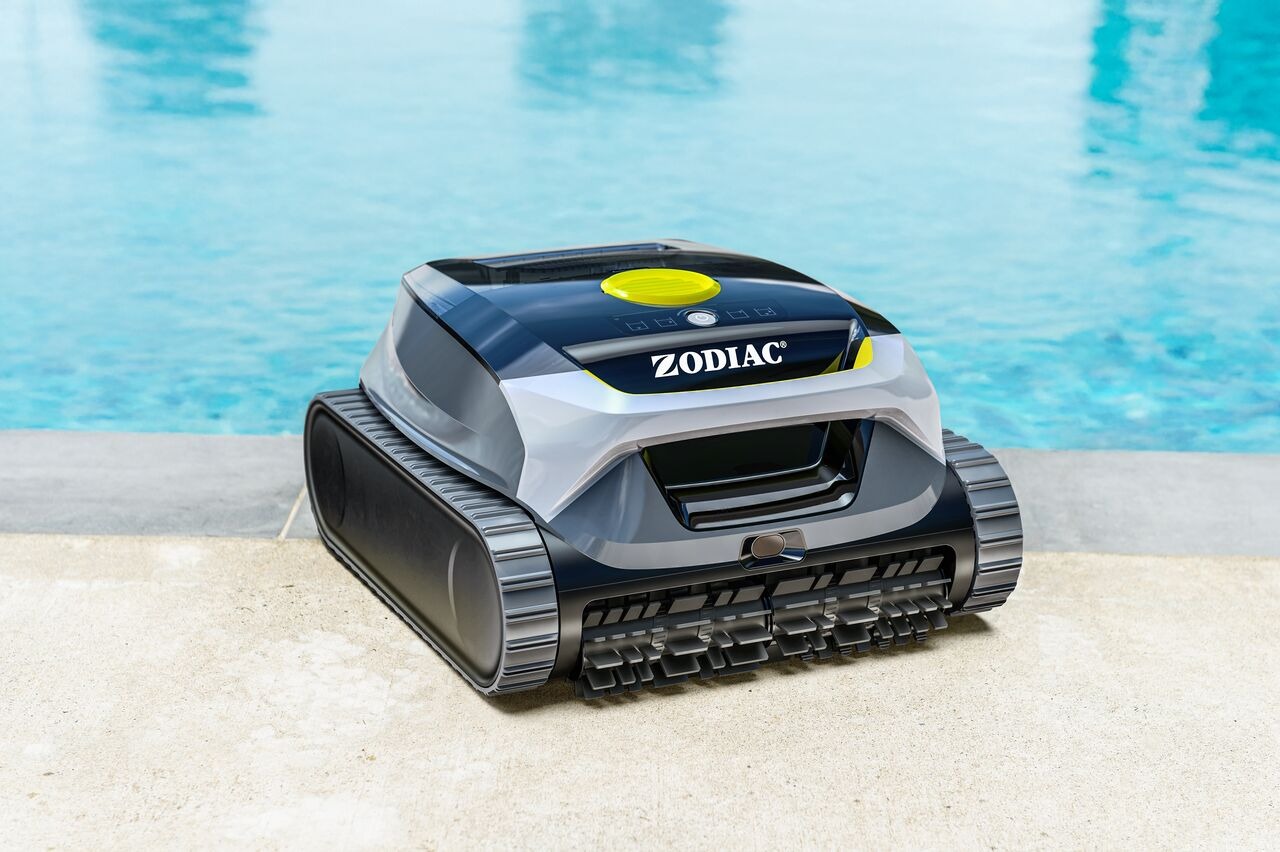
A Freedom Lite (WR000703) robot connected to the Fluidra Pool app.
Your mobile device with the app installed.
The robot powered on and connected to the cloud.
How to Start Cleaning
Open the Fluidra Pool app on your device.
Go to the Robot Control screen.
Tap Start Cleaning.
The robot enters cleaning mode and begins the cycle.
How to Stop Cleaning
From the app:
Open the Fluidra Pool app.
Go to the Robot Control screen.
Tap Stop Cleaning.
The cleaning cycle stops and the robot returns to idle mode.
What to Expect While Cleaning
The robot runs a cleaning cycle.
The app updates the status to show the cycle is in progress.
The robot will stop if:
- You tap Stop Cleaning.
- The robot is removed from the water during a cycle.
- A fault or error code is triggered.
Why Cleaning Might Not Start
Cleaning may not start if:
The robot shows an active error.
The battery level is too low.
The robot is not detected in water.
If a fault is displayed, clear the error before restarting a cycle.
If you have not found the information you are looking for in our Help section, please contact us through the Support chat.
If you are experiencing a technical issue with your equipment, please refer to the equipment manual and/or contact your installer.