
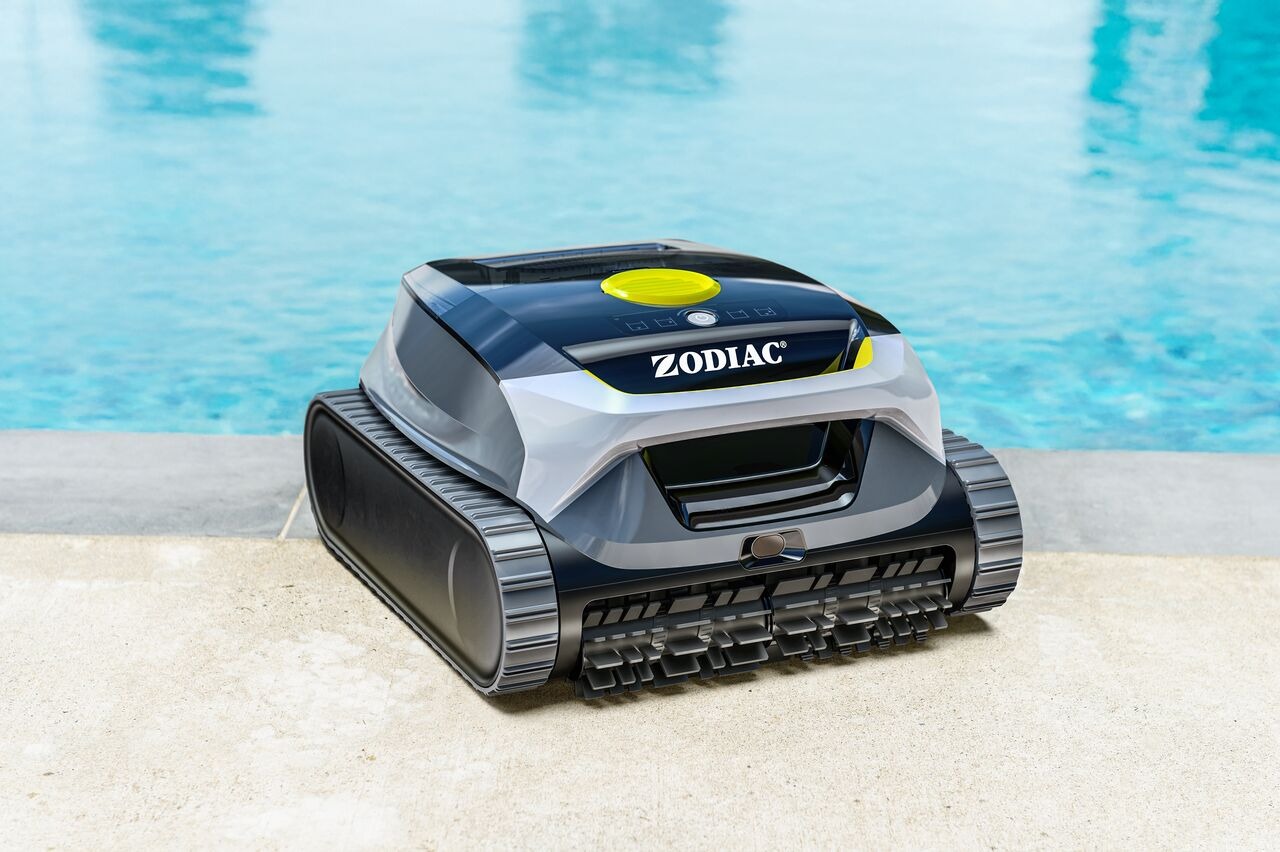
You can start a cleaning cycle either directly on the robot or from the Fluidra Pool app.
⚠️ Since the robot does not have connectivity underwater, the cycle must always be started before placing the robot in the pool.
▶️ Option 1: Start from the robot
- Make sure the robot is charged
- Press and hold the Start/Stop button for 2 seconds to power it on
- (Optional) Press briefly to select a cleaning mode
- Place the robot into the pool
👉 The robot will automatically begin cleaning once it detects it is in the water.
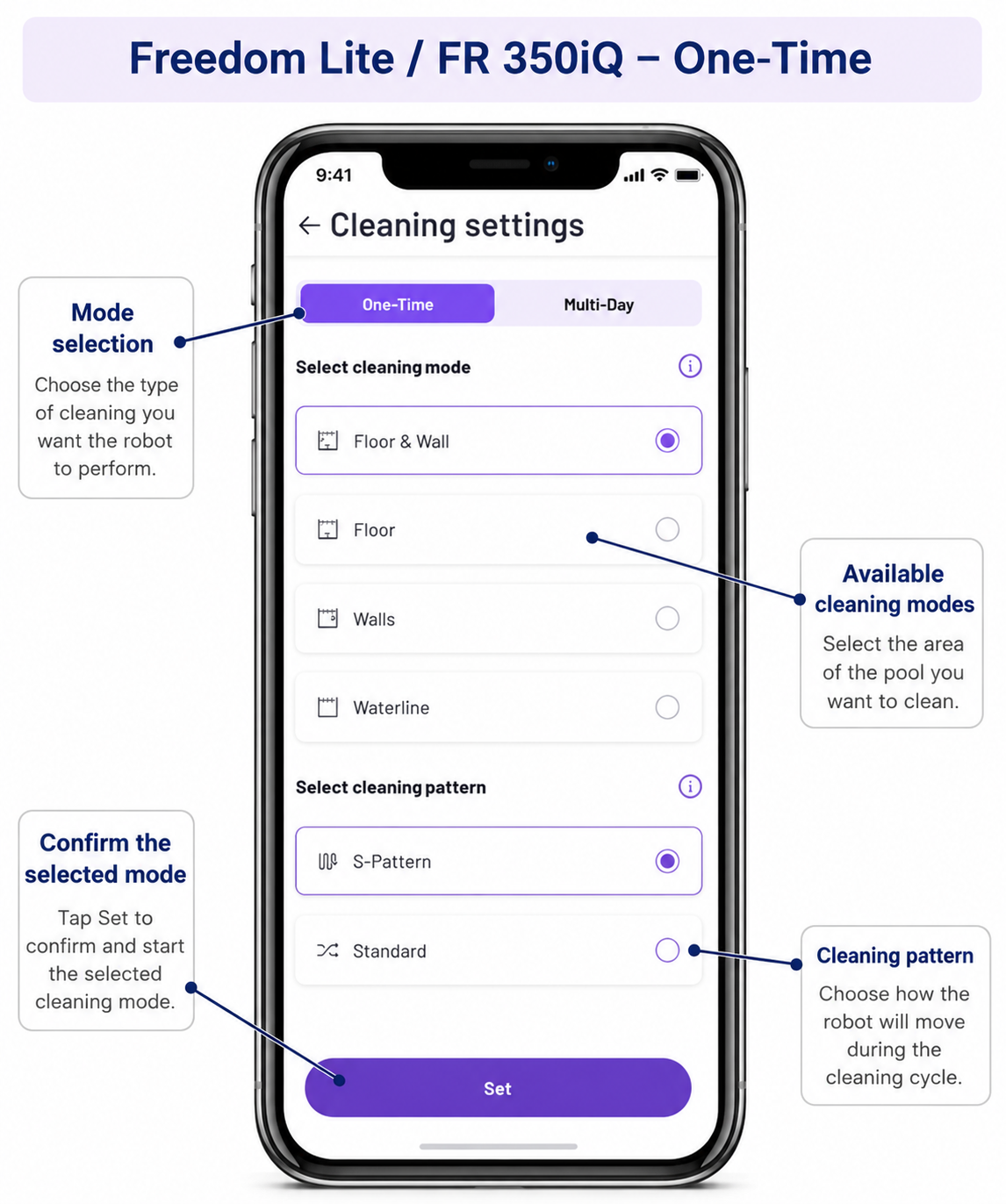
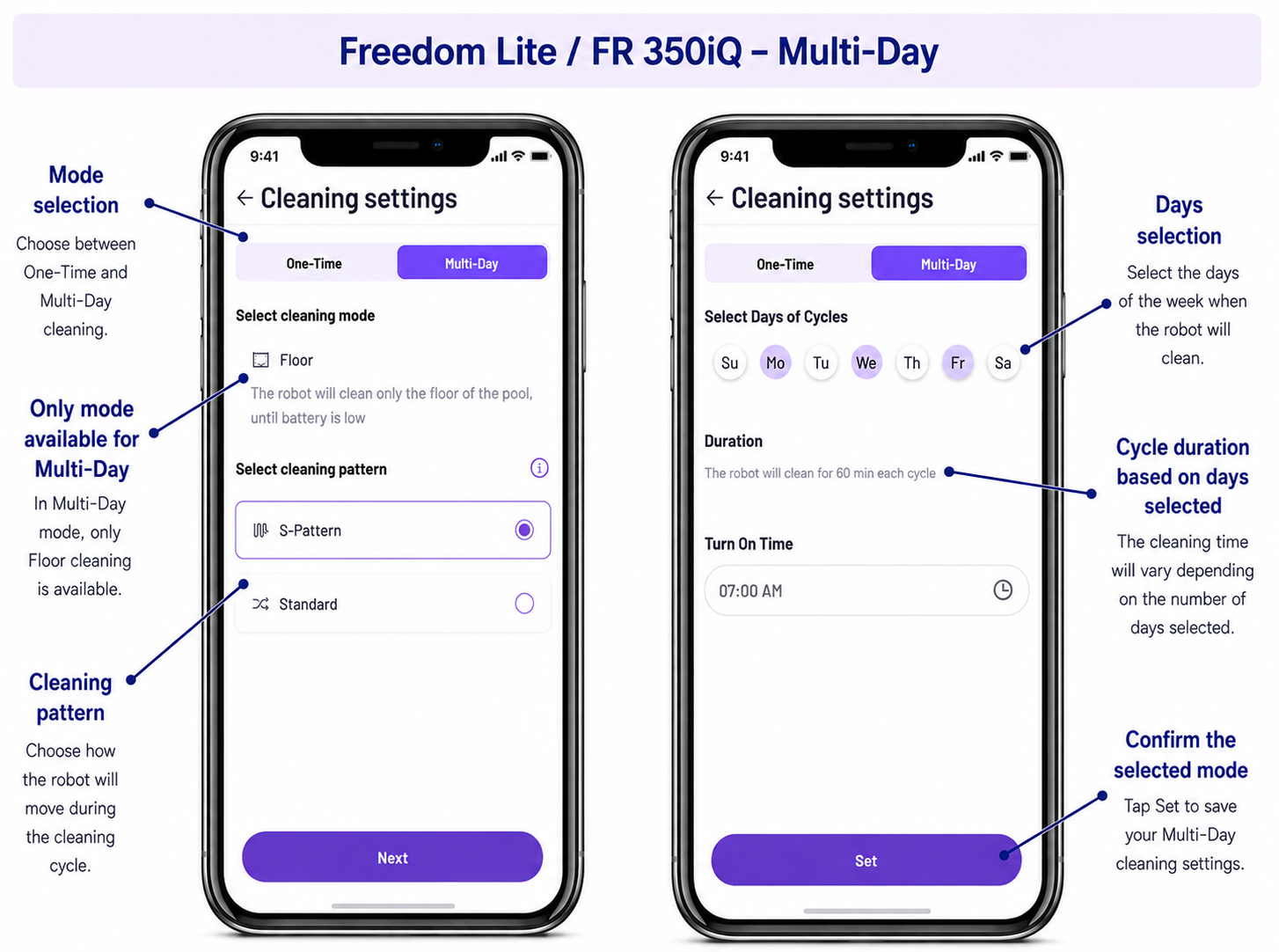
📱 Option 2: Start from the app
If your robot is paired with the Fluidra Pool app:
- Make sure the robot is powered on and connected (before placing it in the water)
- Open the app
- Go to your robot
- Tap Start Cleaning
- Place the robot into the pool
👉 This action prepares and starts the cycle before submersion.
👉 No commands can be sent once the robot is underwater.
🤖 What happens after you start a cycle?
Once the cycle is started:
- The robot operates fully autonomously
- It follows predefined cleaning patterns (floor, walls, waterline)
- No user interaction is required during the cycle
👉 The robot will:
- Adapt its behavior based on battery level
- Complete the cleaning cycle automatically
- Stop at the end of the cycle
⚠️ Important
- The robot cannot receive commands underwater (no Wi‑Fi or Bluetooth signal)
- The app does not provide manual control (no steering or navigation)
- Starting from the app or the button results in the same behavior
✅ In summary:
The cleaning cycle must be started before placing the robot in the pool.
Once underwater, the robot works completely autonomously and cannot be controlled remotely.
If you have not found the information you are looking for in our Help section, please contact us through the Support chat.
If you are experiencing a technical issue with your equipment, please refer to the equipment manual and/or contact your installer.