
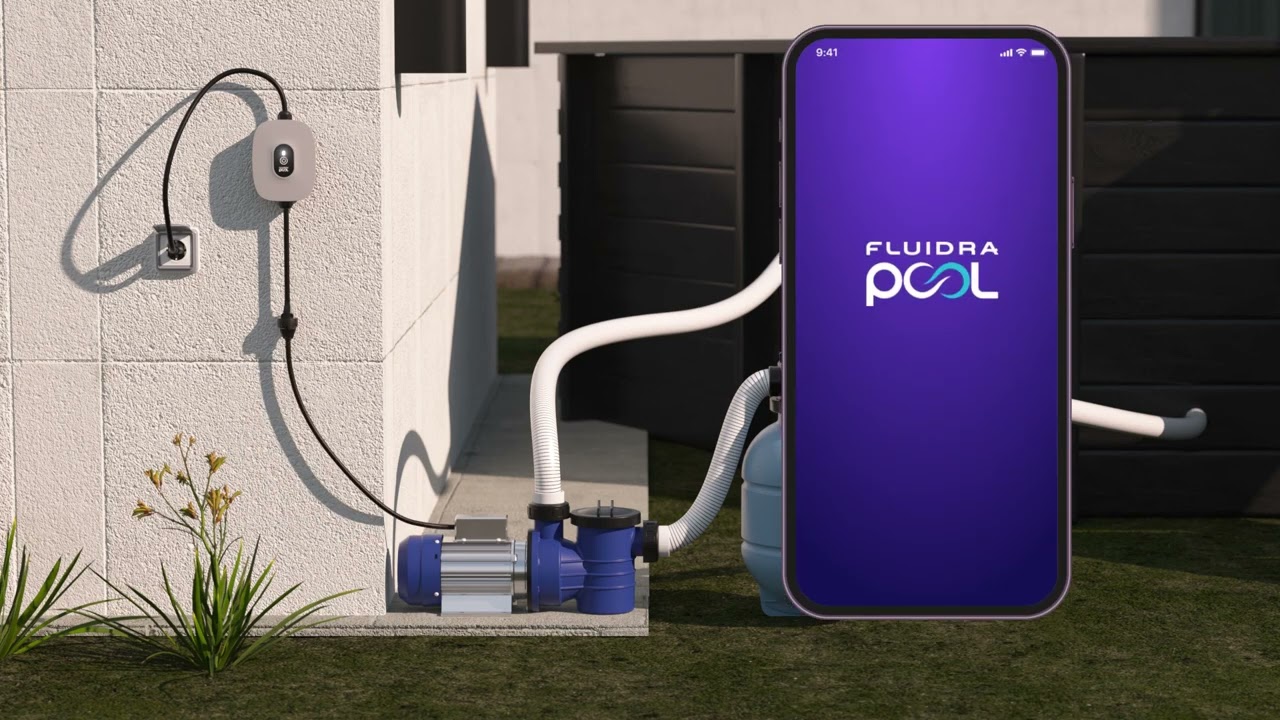
Follow these simple steps to create a scheduled operation in the Fluidra Pool App:
Go to the Equipment panel and click on Smart Plug.
Depending on which device is connected to the Smart Plug, you can create a schedule for Lighting, Filtration pump, or Chlorinator.
Click on Add schedule at the bottom if this is your first schedule.
If you already have scheduled operations, go to Scheduled operations, then tap Add schedule at the bottom.
The maximum number of schedules is 8.


If you have not found the information you are looking for in our Help section, do not hesitate to contact us through the Support chat. In case you have a technical issue with your equipment, please check the equipment manual for more information and/or contact your installer.
