
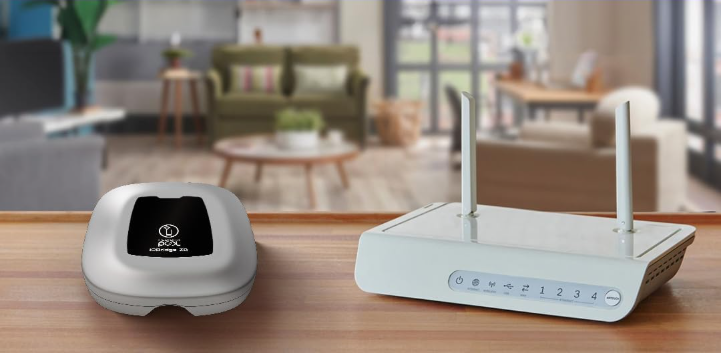
- Go to the “Equipment” panel and select “iQBridge ZB”.
- Click on “Manage” under Linked equipment.
- Under the “Equipment available” list, select the device you want to link, tap “LINK”, and grant the required permissions.
- Once linked, the device will appear under “Linked equipment”.


If you have not found the information you are looking for in our Help section, do not hesitate to contact us through the Support chat. If you have a technical issue with your equipment, please check the equipment manual for more information and/or contact your installer.

