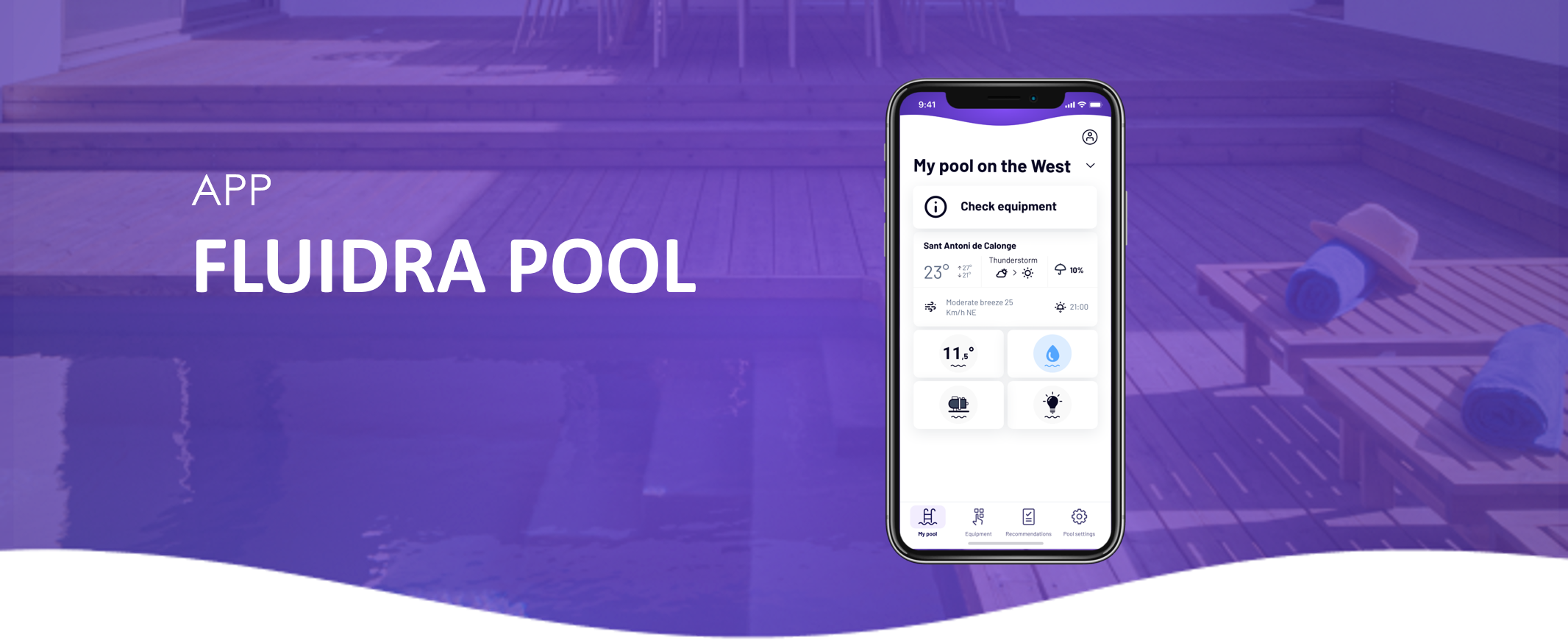
Follow these simple steps to delete a scheduled operation in the Fluidra Pool App:
1. Go to “Equipment” and select the device for which you want to delete a schedule.
2. Tap “Scheduled operations” at the bottom.
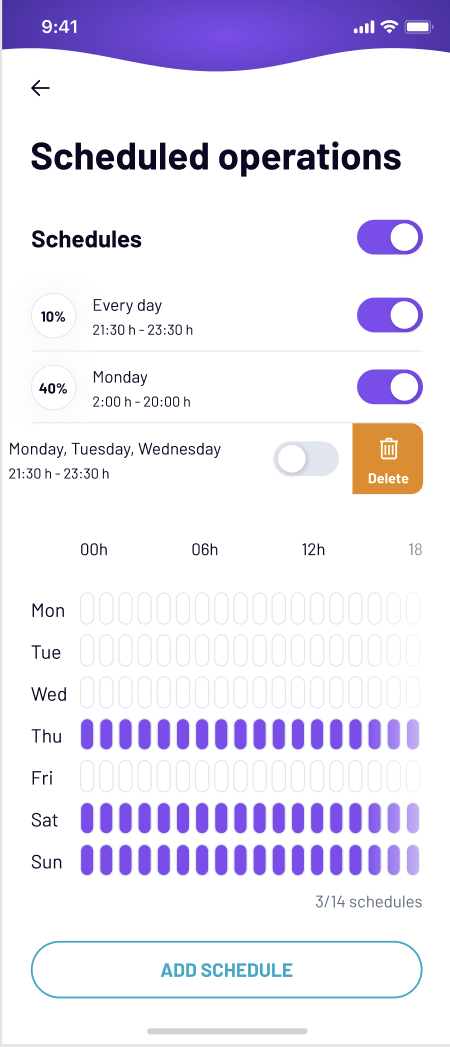
3. If schedules are enabled (top-right switch), swipe left on a schedule to reveal the Delete option.
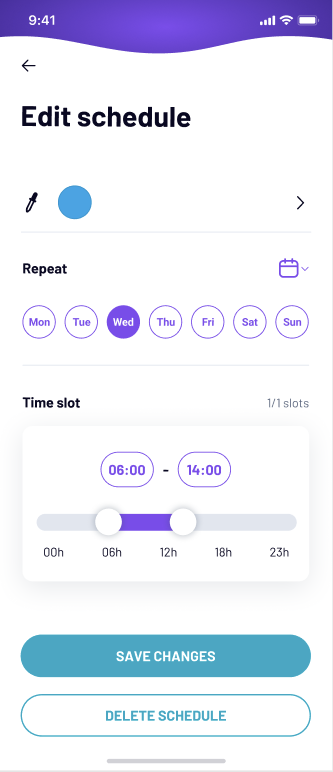
4. OR open the schedule you want to delete and tap “Delete schedule” at the bottom.
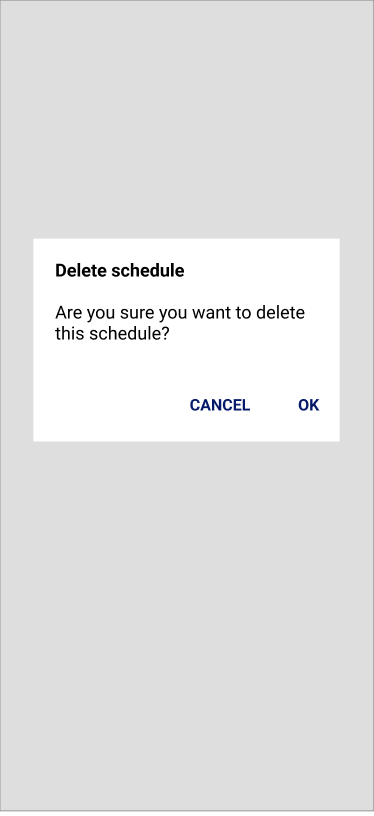
5. Confirm by tapping “OK”.
If you have not found the information you are looking for in our Help section, do not hesitate to contact us through the Support chat. In case you have a technical issue with your equipment, please check the equipment manual for more information and/or contact your installer.