
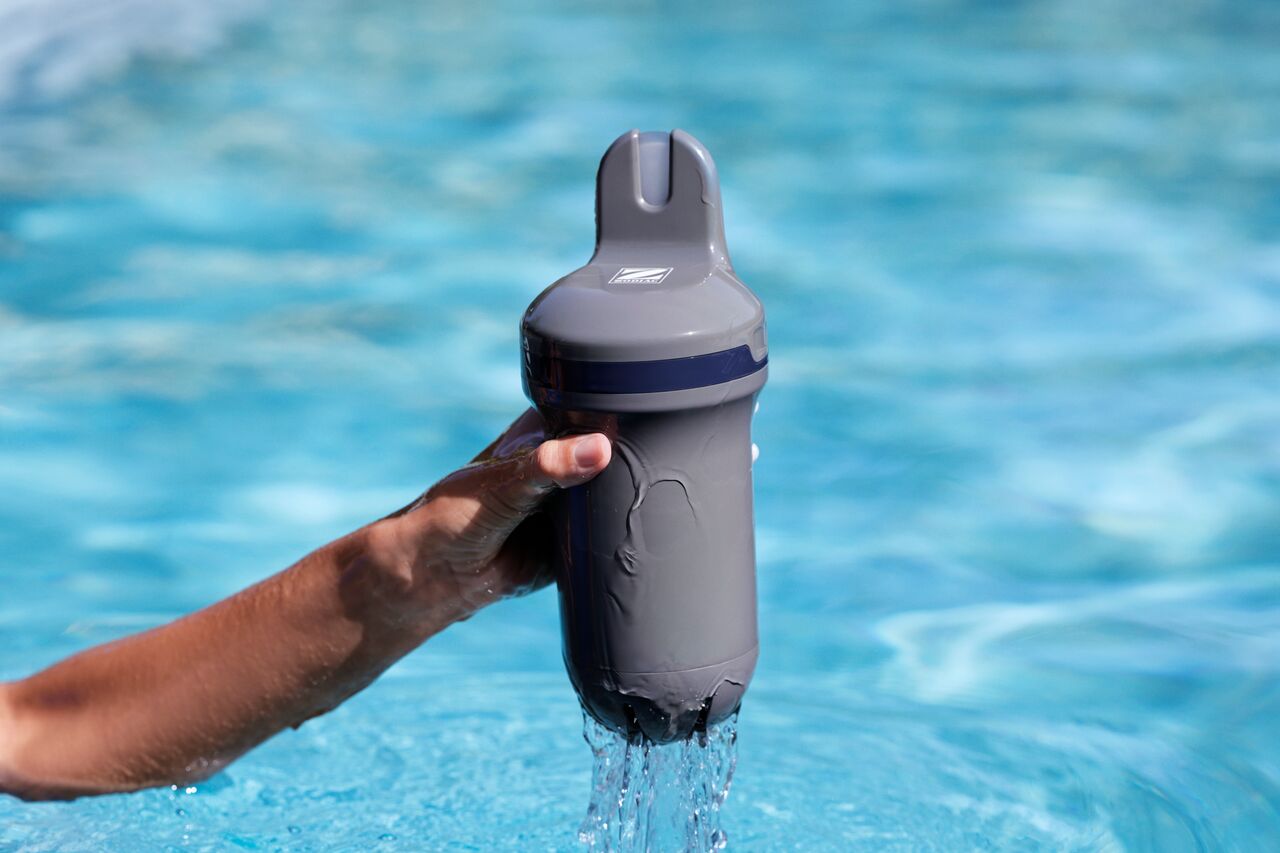
Blue Connect uses an LED indicator to provide information about water quality, battery status, charging and firmware updates.
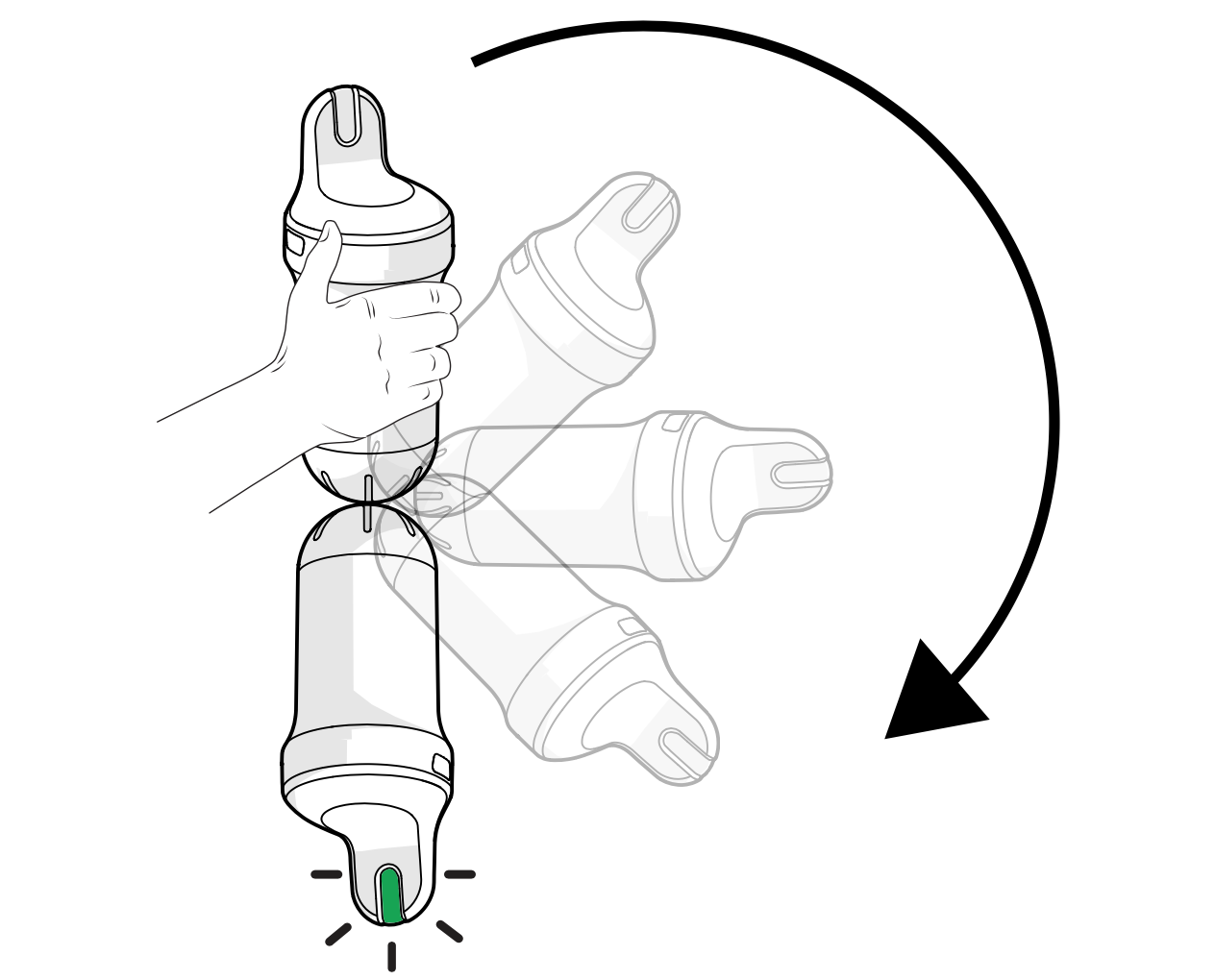
To check the LED status:
- Remove Blue Connect from the water.
- Hold the device upside down for at least 1 second.
- The device will emit a beep and the LED indicator will light up.
Water quality status
The LED colour indicates the latest measured water quality status.
- Green: Water parameters are within the recommended range.
- Orange: One or more parameters require attention.
- Red: One or more parameters are outside the recommended range.
Check the Fluidra Pool app for detailed information about the affected parameter(s).
Battery status
The LED can also indicate the battery level:
- High battery level.
- Medium battery level.
- Low battery level.
If the battery level is low, recharge the device as soon as possible.
Charging status
When Blue Connect is connected to a charger:
- Flashing light: Charging in progress.
- Solid light: Charging complete.
Firmware update status
During a firmware update, the LED may display a specific update sequence.
Do not disconnect or switch off the device while a firmware update is in progress.
No LED appears
If no LED appears:
- Hold the device upside down for at least 1 second.
- Check the battery level and recharge if necessary.
If the LED still does not appear after charging, contact your retailer or customer support.