
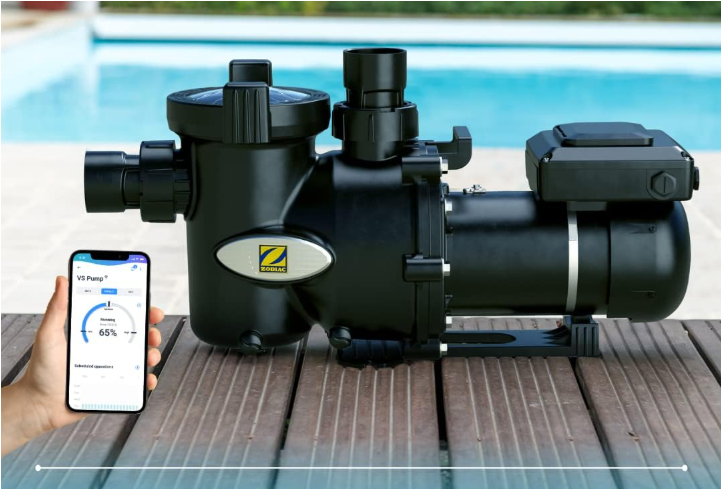
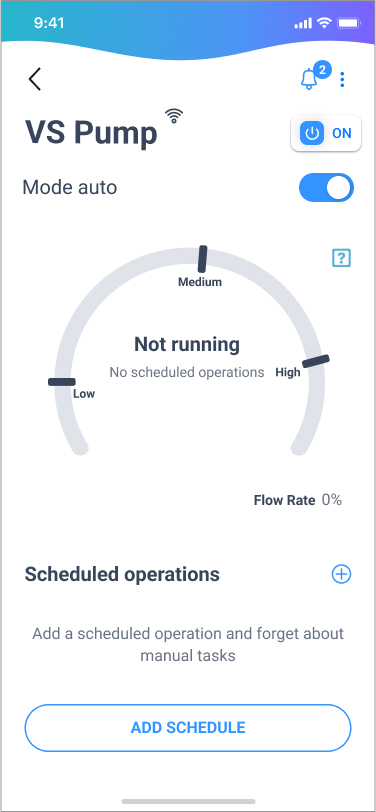
- Go to the “Equipment” panel and select your pump.
- Tap the bell icon at the top right corner.
- If a number appears on the bell, it means you have new alerts.
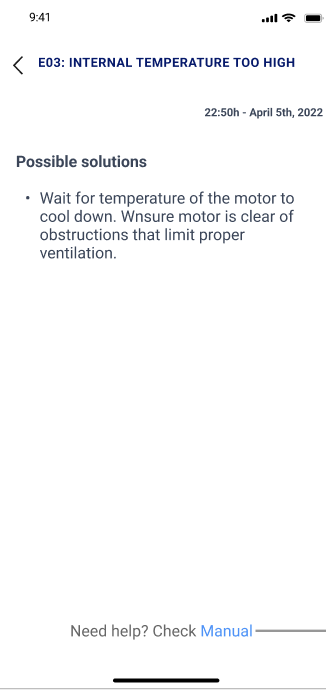
- Tap on an alert to view possible solutions.
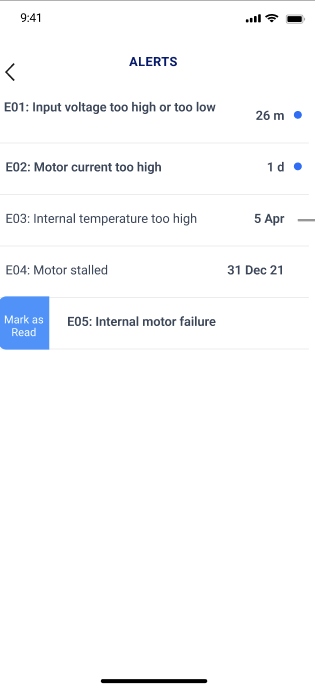
Alerts are sorted from most recent to oldest, and unread alerts are highlighted.
If you have not found the information you are looking for in our Help section, do not hesitate to contact us through the Support chat. In case you have a technical issue with your equipment, please check the equipment manual for more information and/or contact your installer.


