
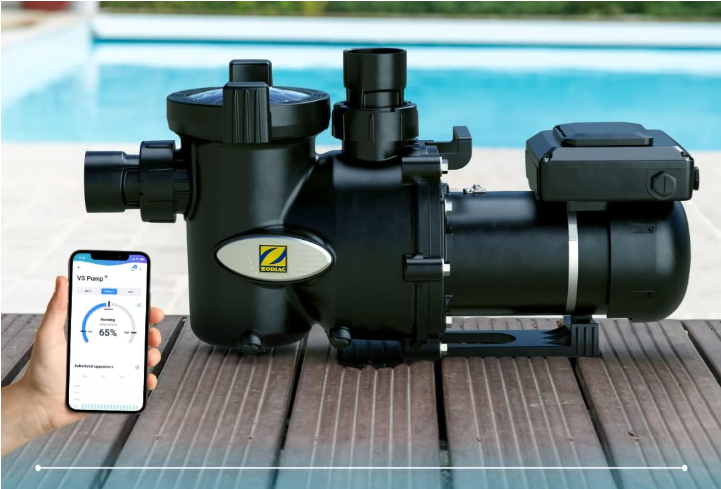
- Go to the Equipment panel and click on your pump.
- Click the three dots at the top right and select Information.
- Scroll to the bottom, tap Delete equipment, and confirm by selecting Yes, delete it.


If you have not found the information you are looking for in our Help section, do not hesitate to contact us through the Support chat. In case you have a technical issue with your equipment, please check the equipment manual for more information and/or contact your installer.