
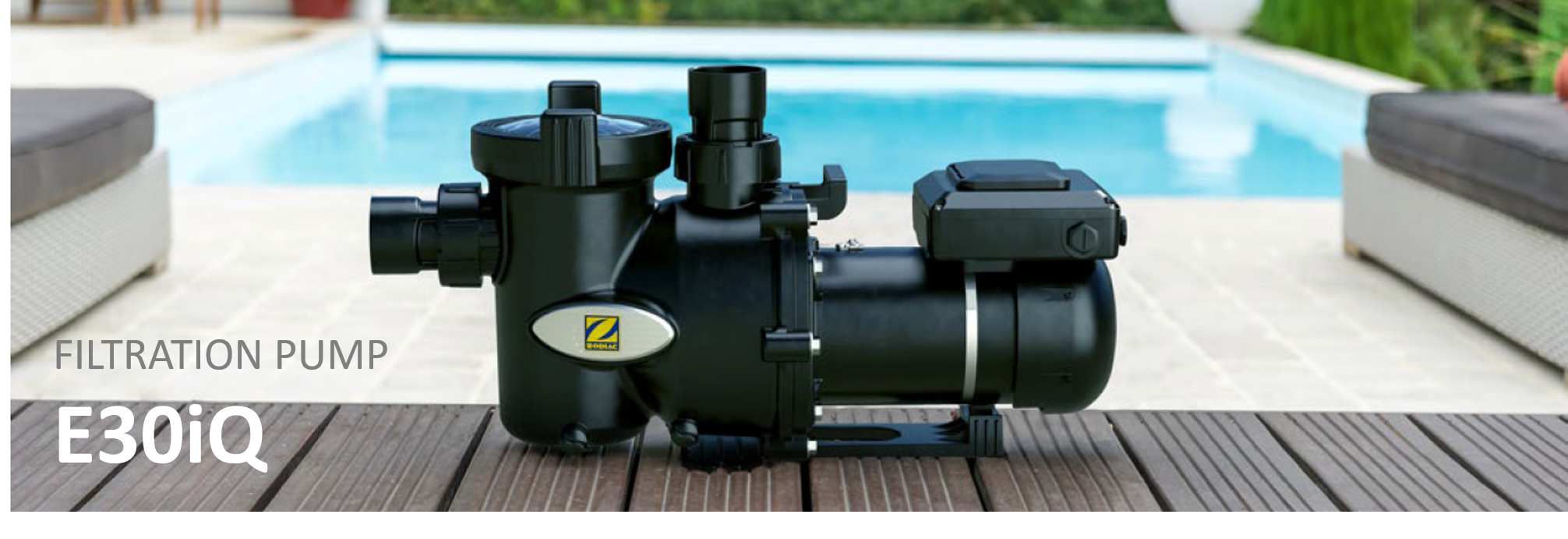
Resetting your E30 iQ pump restores all settings to their original factory configuration. This can help resolve configuration issues or clear programmed schedules.
Step-by-Step Guide
1. Enter the Settings Menu
Press the SET button to access the pump’s settings menu.
2. Navigate to the Reset Option
Use the ▲ or ▼ buttons to scroll through the menu options until “rSET” appears on the display.
3. Initiate the Factory Reset
Press the SET button to confirm.
The pump will restore the factory settings and the display will briefly turn off to confirm the reset.
Factory Default Settings
After performing a reset, the following default values are restored:
Low Speed: 50%
Medium Speed: 75%
High Speed: 100%
Priming Speed: 100%
Priming Time: 0 minutes
Manual Mode Speed: High Speed
AUTO / Schedule Mode: OFF
Scheduled Settings: All speeds set to LOW; T-Start and T-Stop set to 00:00
Wi-Fi Connectivity: OFF