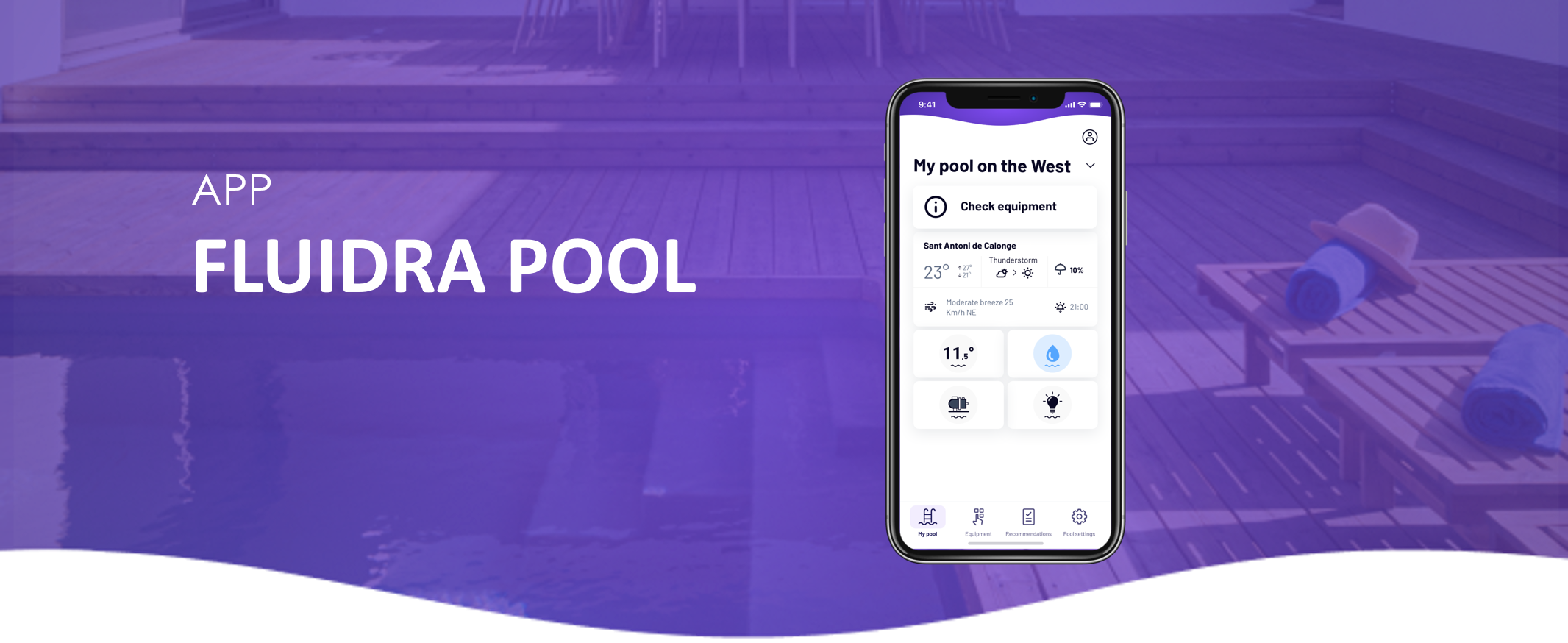
1. Go to the “Equipment” panel and tap “Add Equipment.”


2. Follow the on-screen steps and scan the QR code of your Heat Pump.
Once the process is successful, your Heat Pump will appear in the “Equipment” panel.
If you have not found the information you are looking for in our Help section, do not hesitate to contact us through the Support chat. In case you have a technical issue with your equipment, please check the equipment manual for more information and/or contact your installer.