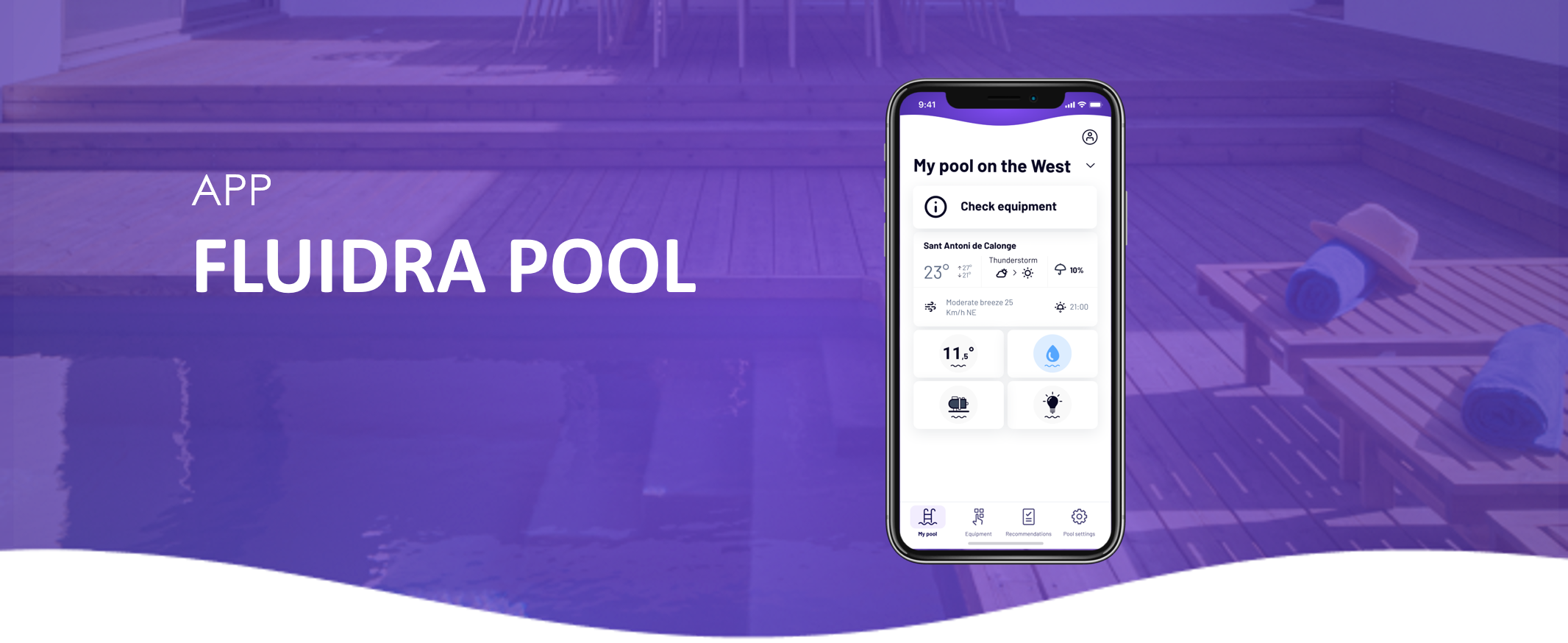
If you are using a version of the Fluidra Pool app that is below the minimum required, you’ll be prompted to update it when launching the app.

When the update prompt appears, tap “Update.”
You’ll be redirected to the App Store (iOS) or Google Play Store (Android).
Tap “Update” again to download and install the latest version.
💡 Keeping your app updated ensures access to the latest features, performance improvements, and compatibility with new devices.
If you haven’t found the information you’re looking for in our Help section, don’t hesitate to contact us through the Support chat. If you’re experiencing a technical issue with your equipment, please check the equipment manual for troubleshooting steps and/or contact your installer for assistance.